
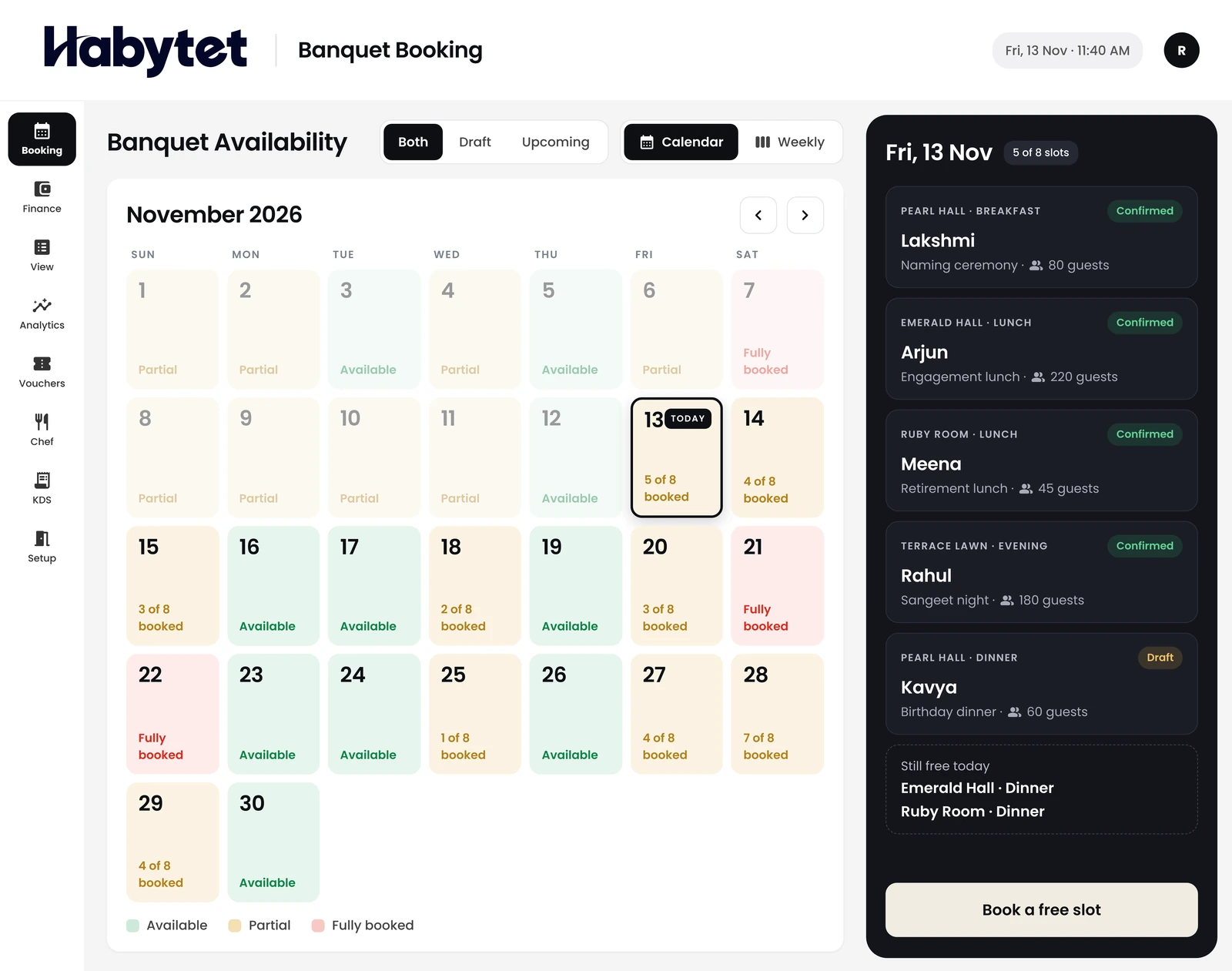
Availability
Every hall and slot for the month, free or booked.
Products
Point of SaleBilling, kitchen and stock InventoryStock, purchases and suppliers ConstructionProjects, BOQ and site attendance ERPInventory, finance and dispatch Field SalesBeat routes, orders and attendance BanquetHalls, bookings and payments QueueTokens, waiting list and tables Fitness and StudioClasses, members and bookings
Availability, bookings, payments and the kitchen for your halls on one system. On a tablet at the front desk and on your phone.
Every hall and slot for the month, free or booked.
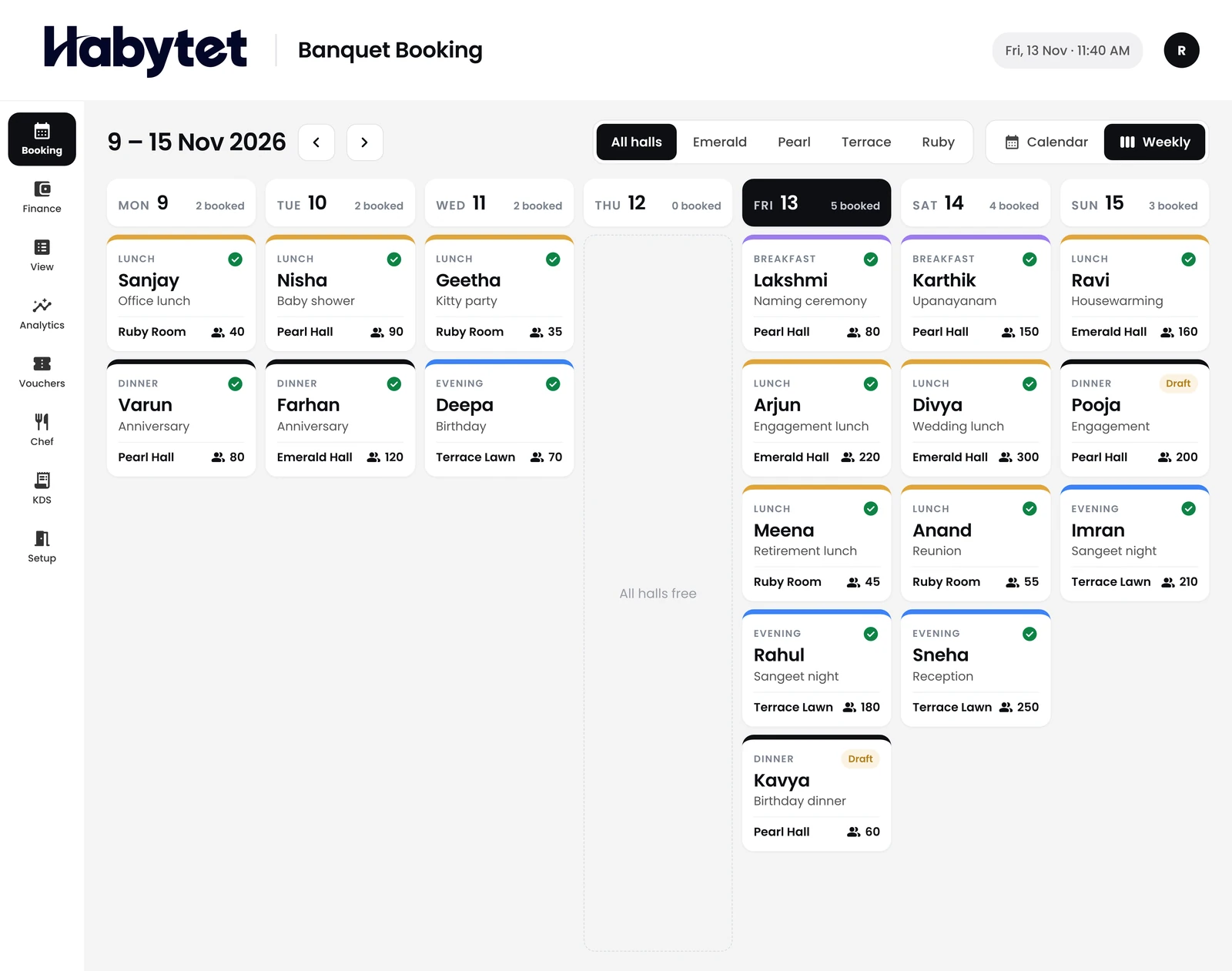
The week's events, hall by hall.
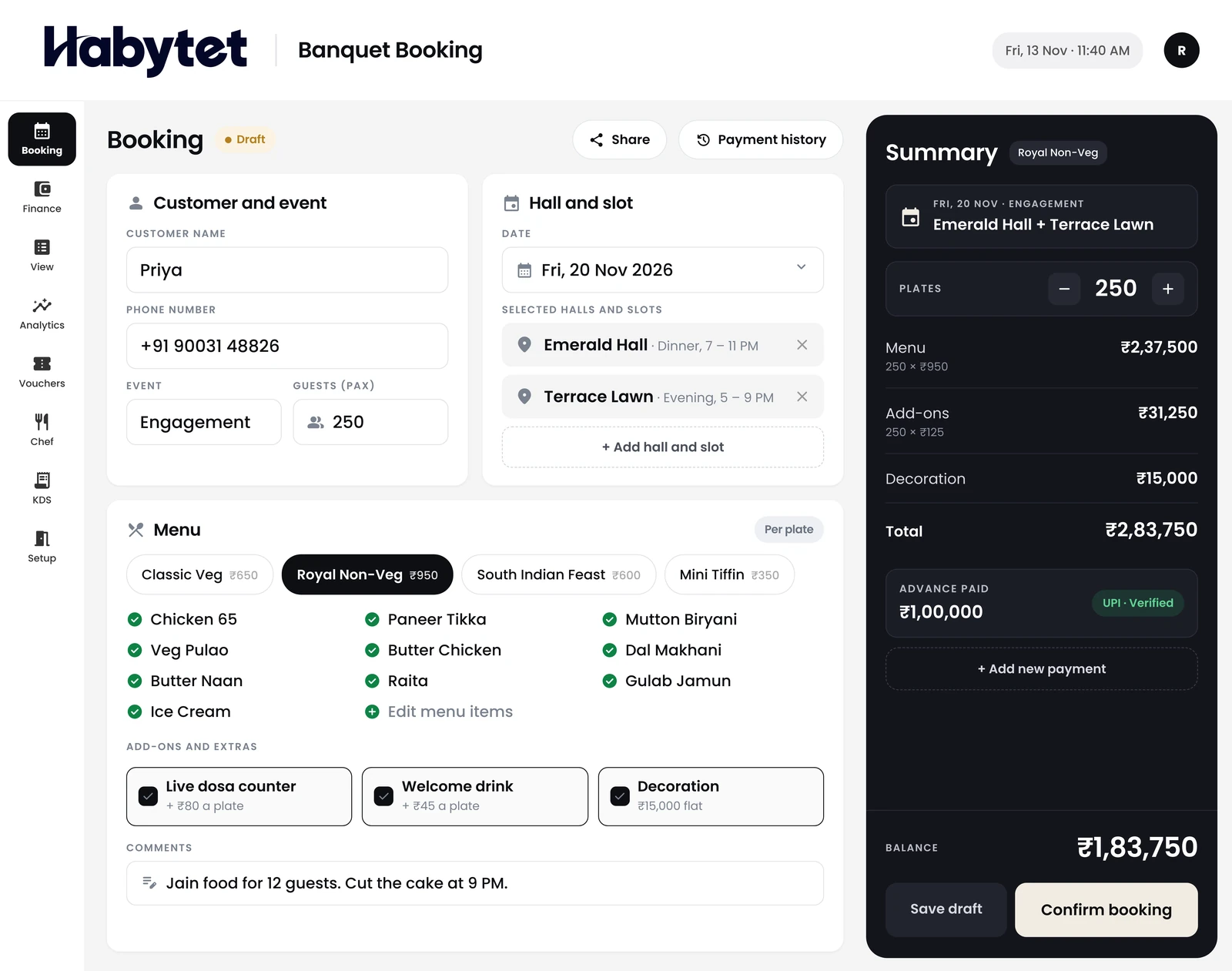
Menu, add-ons and the advance on one booking.
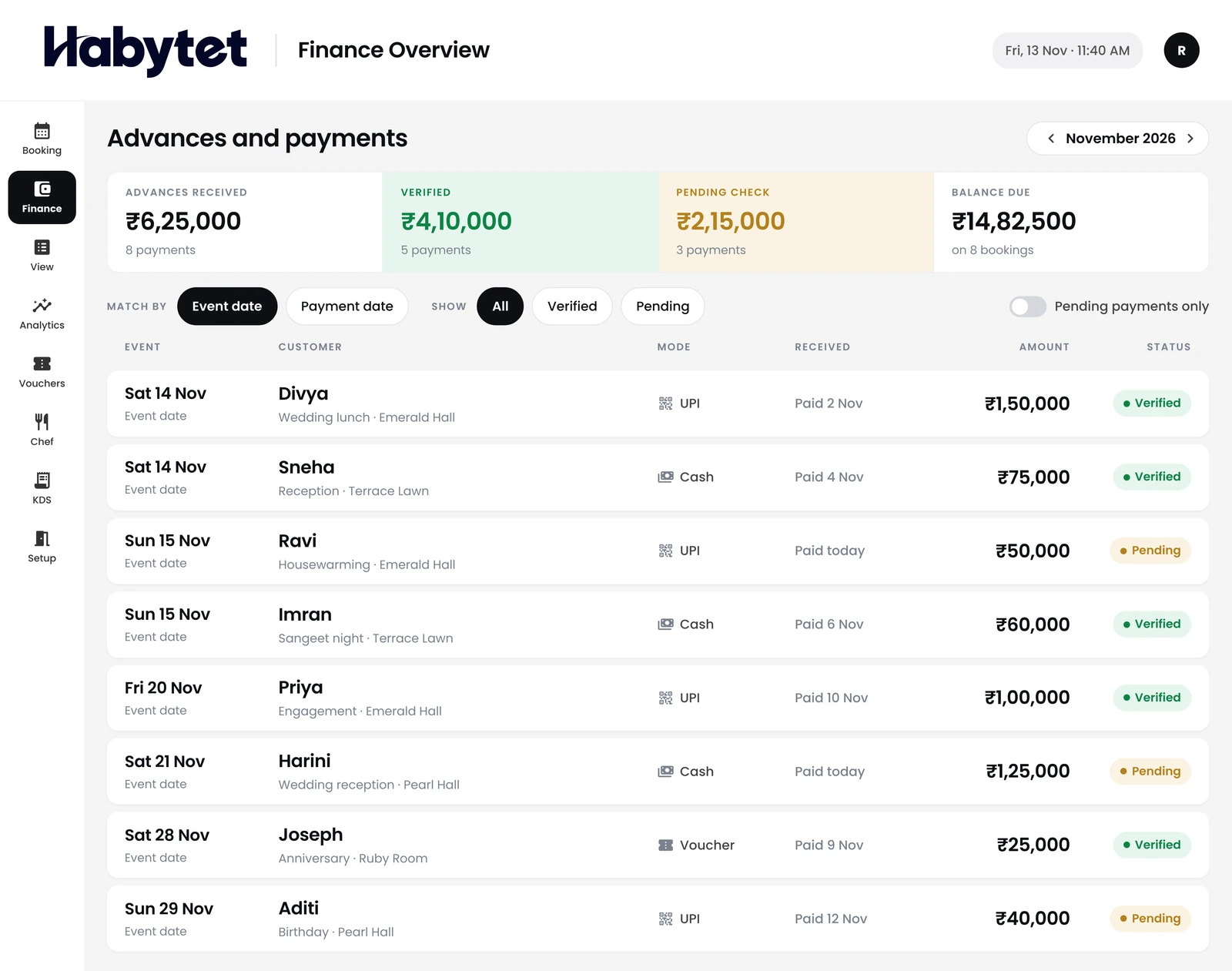
Advances and payments, checked and on record.
Check a booking or a free date from anywhere.
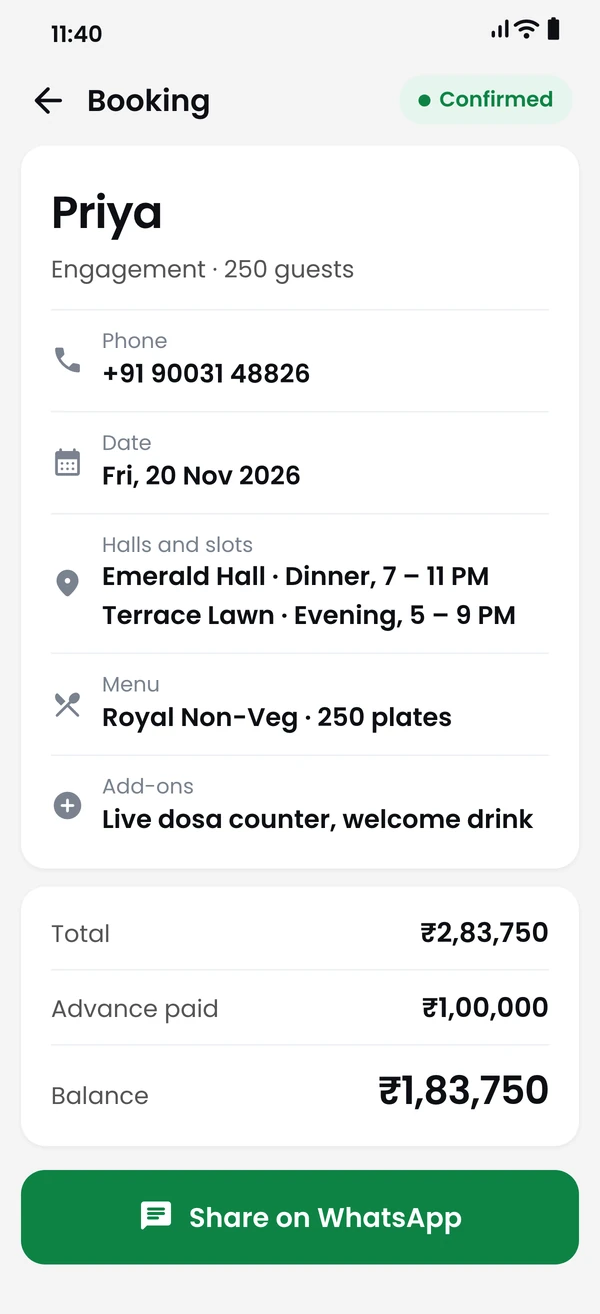
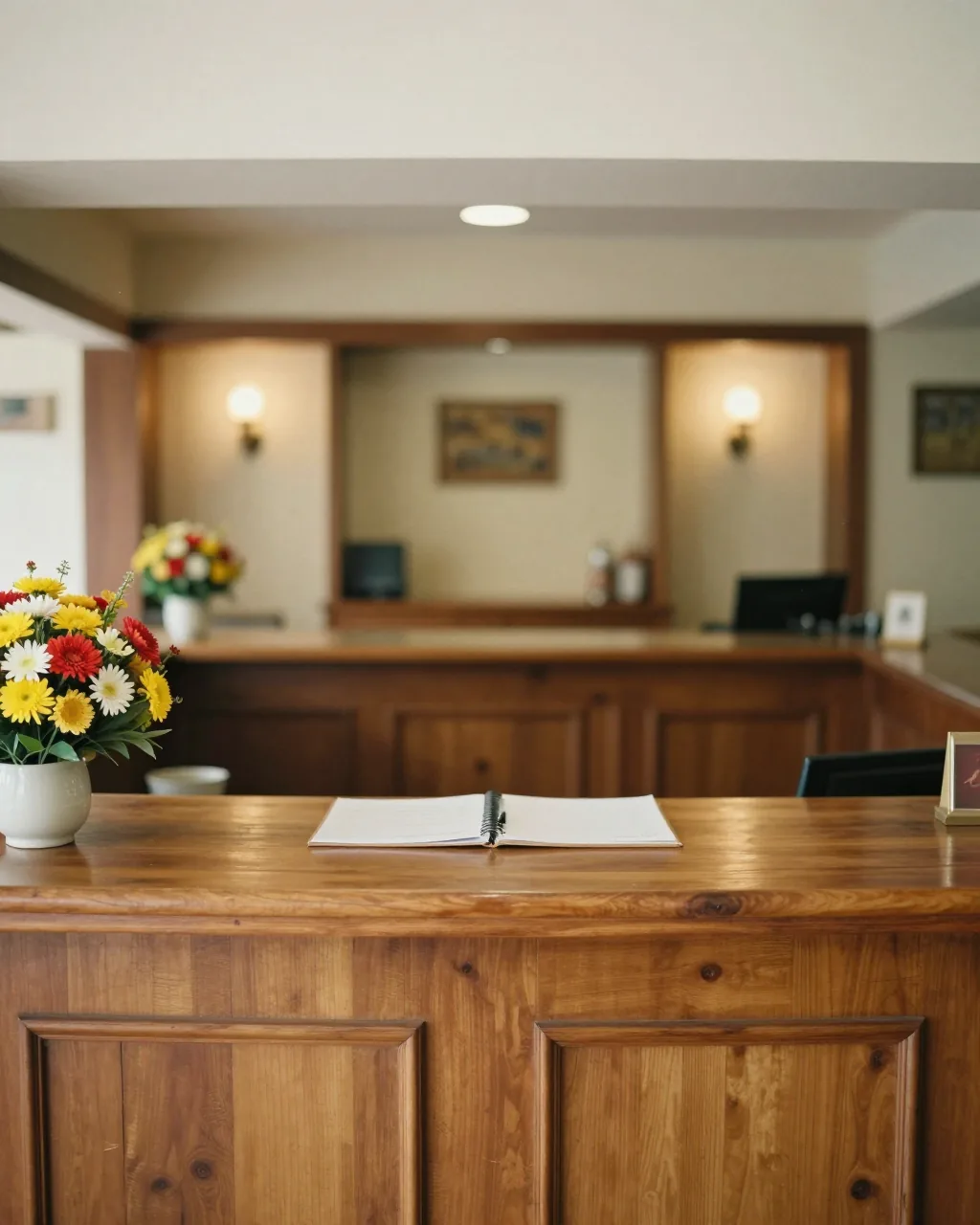
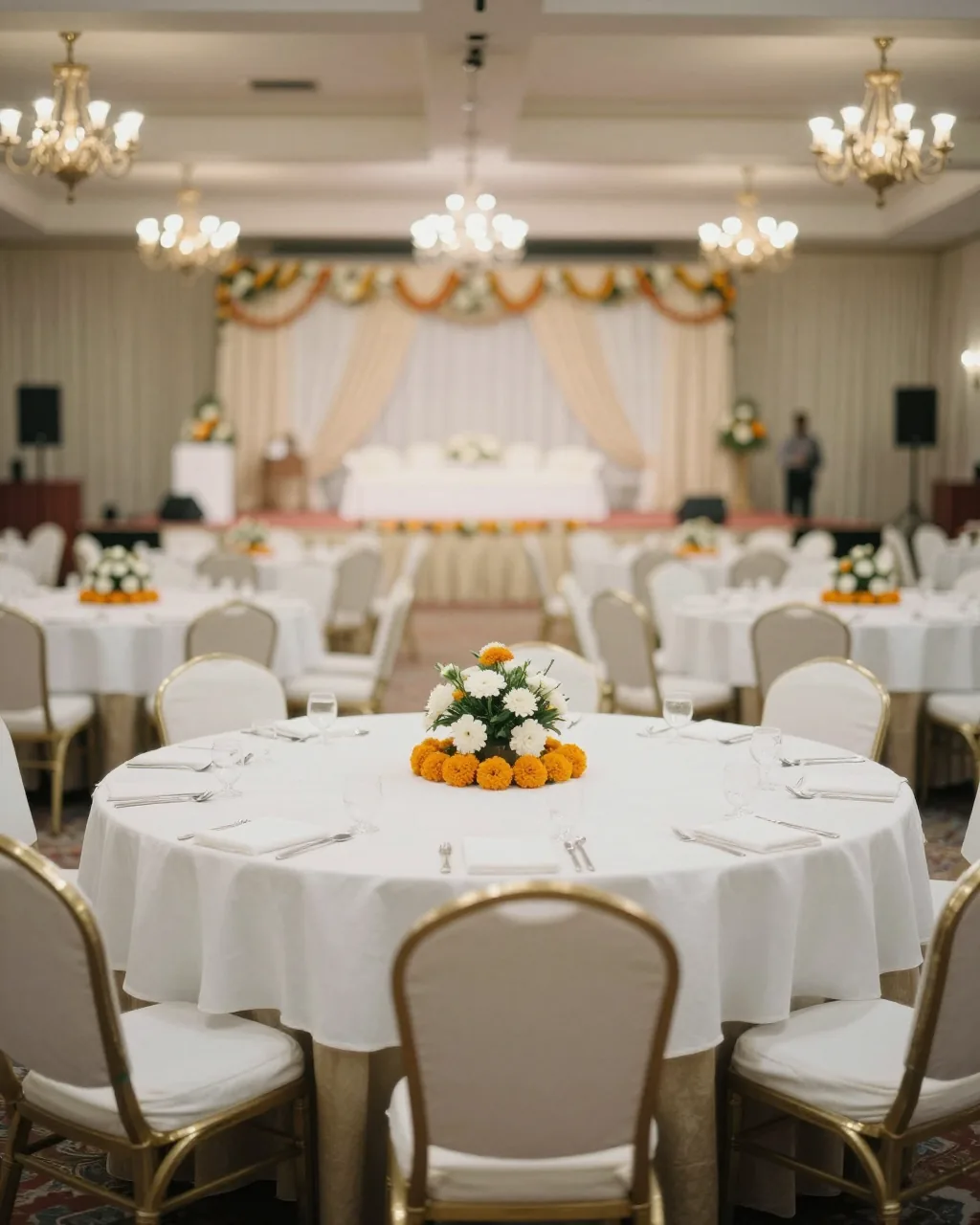

The front desk, the hall and the kitchen work from the same booking.
Check the date, take the booking and record the advance.
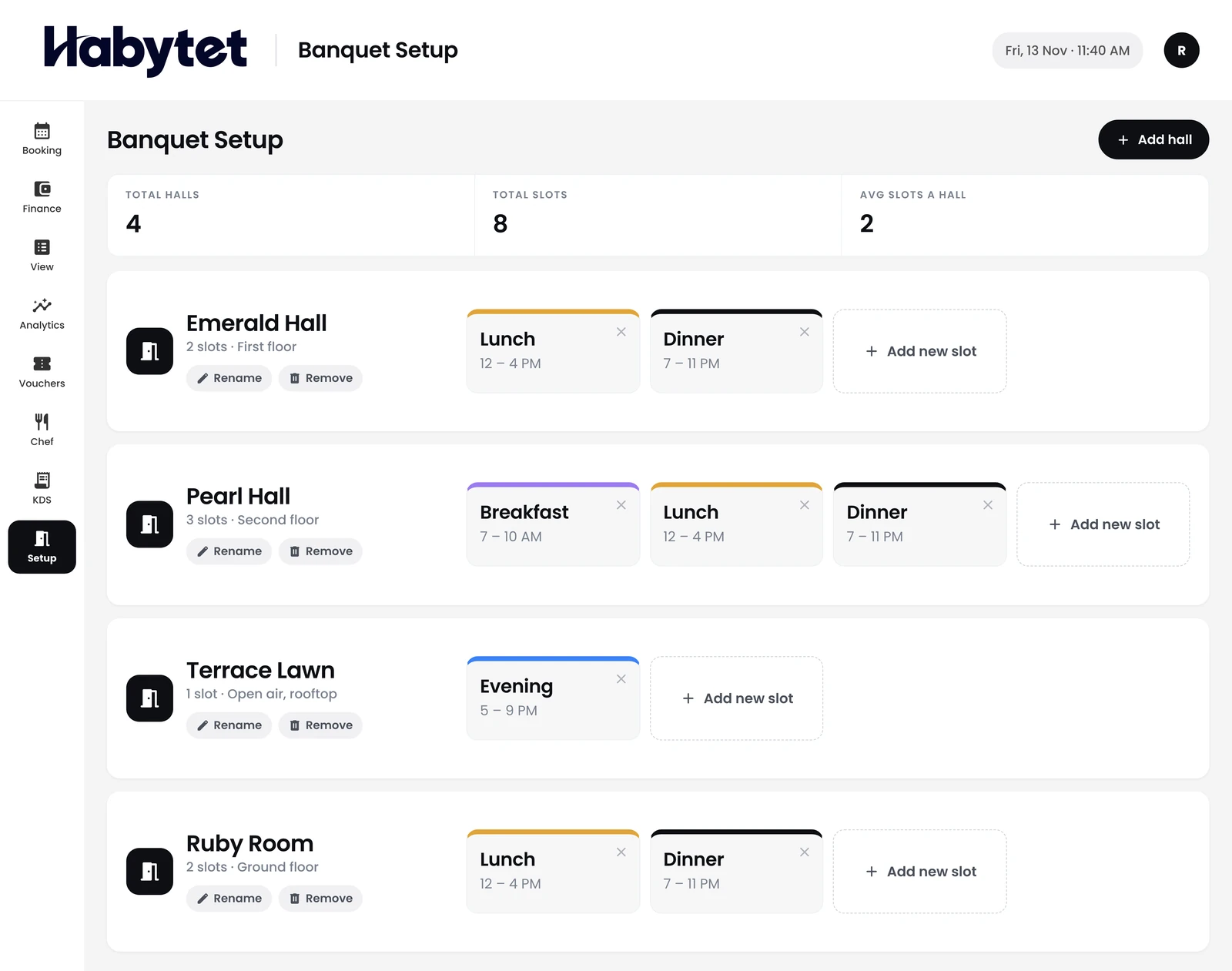
Each hall and its slots, set up the way you run them.
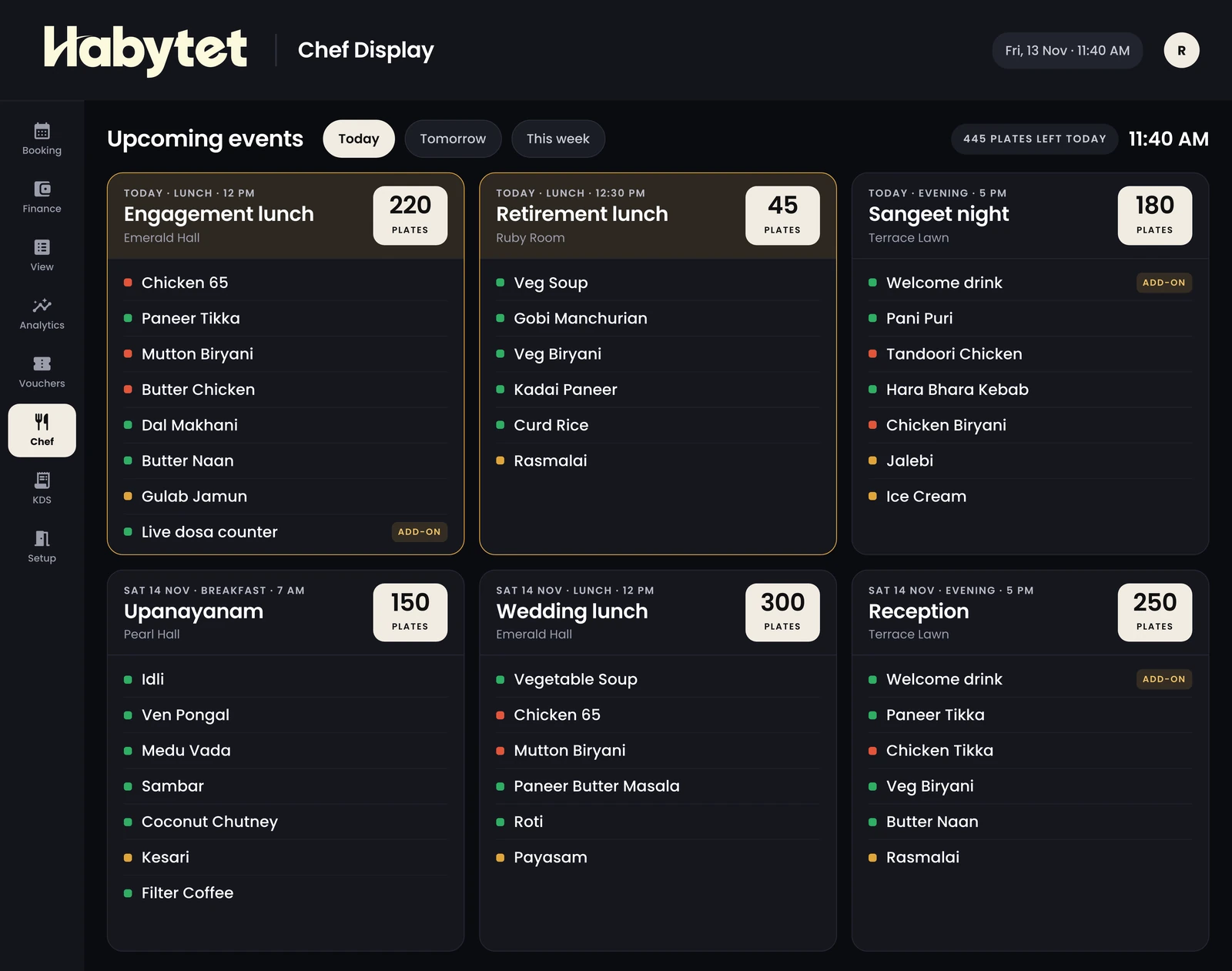
The chef sees each event's menu ahead of the day.
Set up each hall and its slots once. The calendar shows what is free, by month or by week.
Pick the menu and add-ons, then share the booking with your guest on WhatsApp.
Record the advance and check each payment. Vouchers and the payment history stay with the booking.
The kitchen gets its own copy of every menu, and a display of the events coming up.
Yes. You set up each hall and its slots once, and can add, rename or remove them later. The calendar shows every hall and slot, by month or by week.
A booked hall and slot shows as booked on the calendar for that date. When you add a hall to a booking, only the halls and slots still free that day can be picked; drafts and cancelled bookings do not hold a slot.
Yes. Each payment is recorded against the booking with its date and mode, and can be marked as checked. Habytet Banquet keeps the balance up to date and shows when a booking is fully paid.
Yes. Each booking holds the menu, the guest count, add-ons, extra charges such as decoration, and any discounts. The kitchen gets its own copy of the menu.
Yes. Habytet Banquet makes an invoice for the booking and a separate receipt for each advance. You can print them or share them as a PDF.
Yes. You share the booking with your guest on WhatsApp as a link to their own booking page. They can change the menu once; after that they send a request for you to approve.
The banquet report counts all, confirmed and draft bookings, and lists amounts, advances, payments, balances and cancellations. It can be exported to Excel.
Tell us about your halls and we will call you to set up a demo.
We will call you on .