
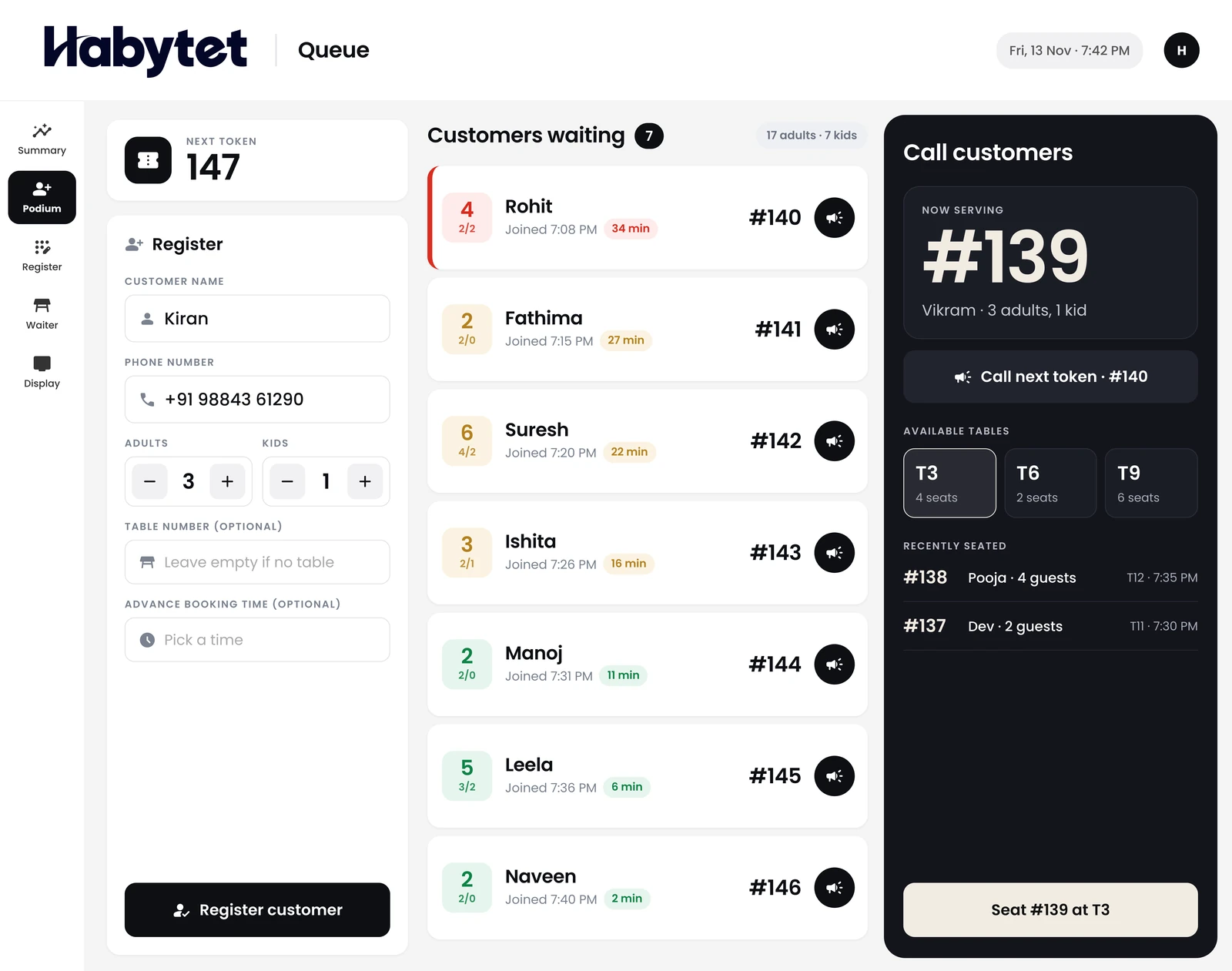
The podium
Register a party, give them a token and call the next one.
Products
Point of SaleBilling, kitchen and stock InventoryStock, purchases and suppliers ConstructionProjects, BOQ and site attendance ERPInventory, finance and dispatch Field SalesBeat routes, orders and attendance BanquetHalls, bookings and payments QueueTokens, waiting list and tables Fitness and StudioClasses, members and bookings
Tokens, the waiting list and table seating for a busy door. On a tablet at the podium and on your guests' phones.
Register a party, give them a token and call the next one.
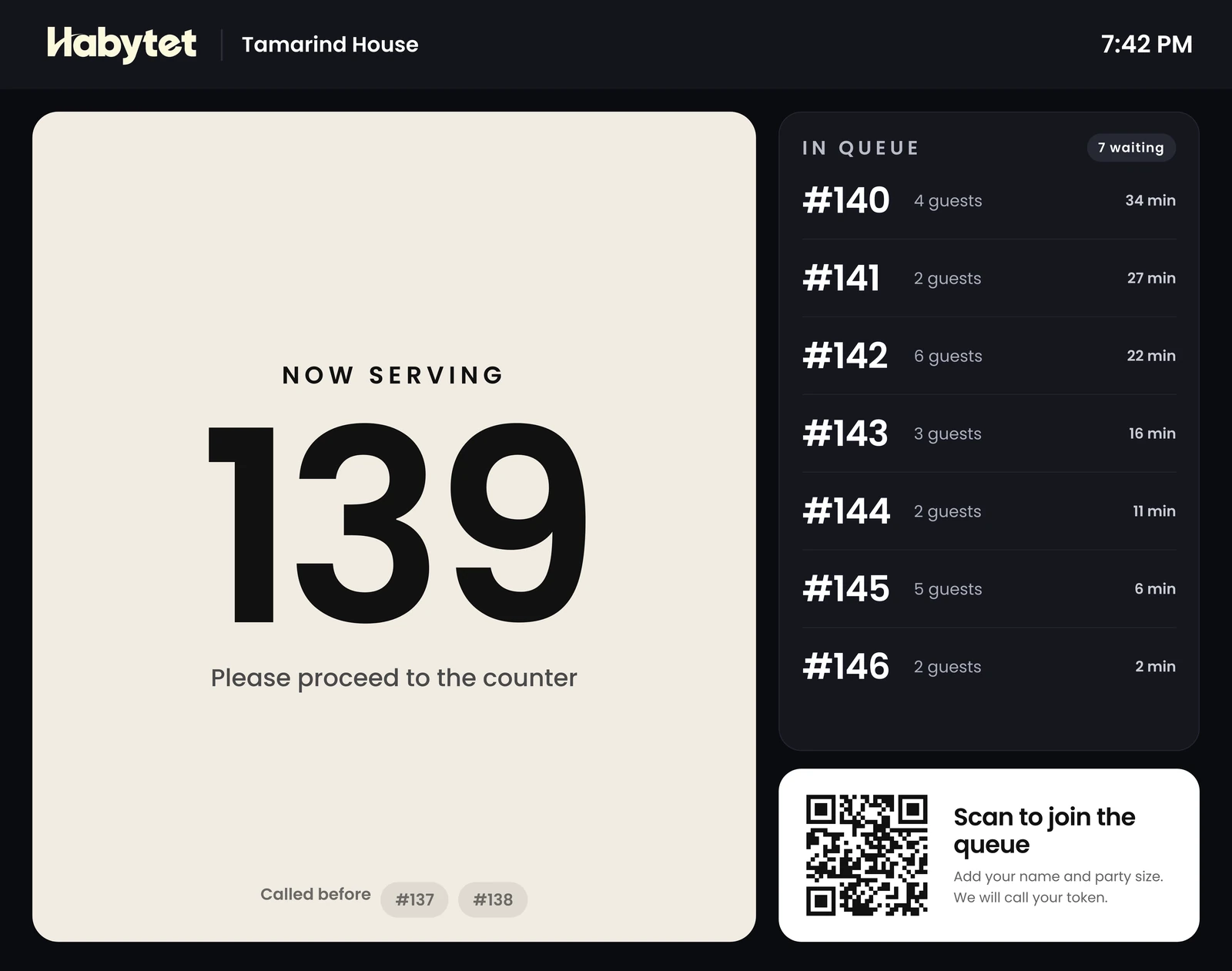
A display board for everyone who is waiting.
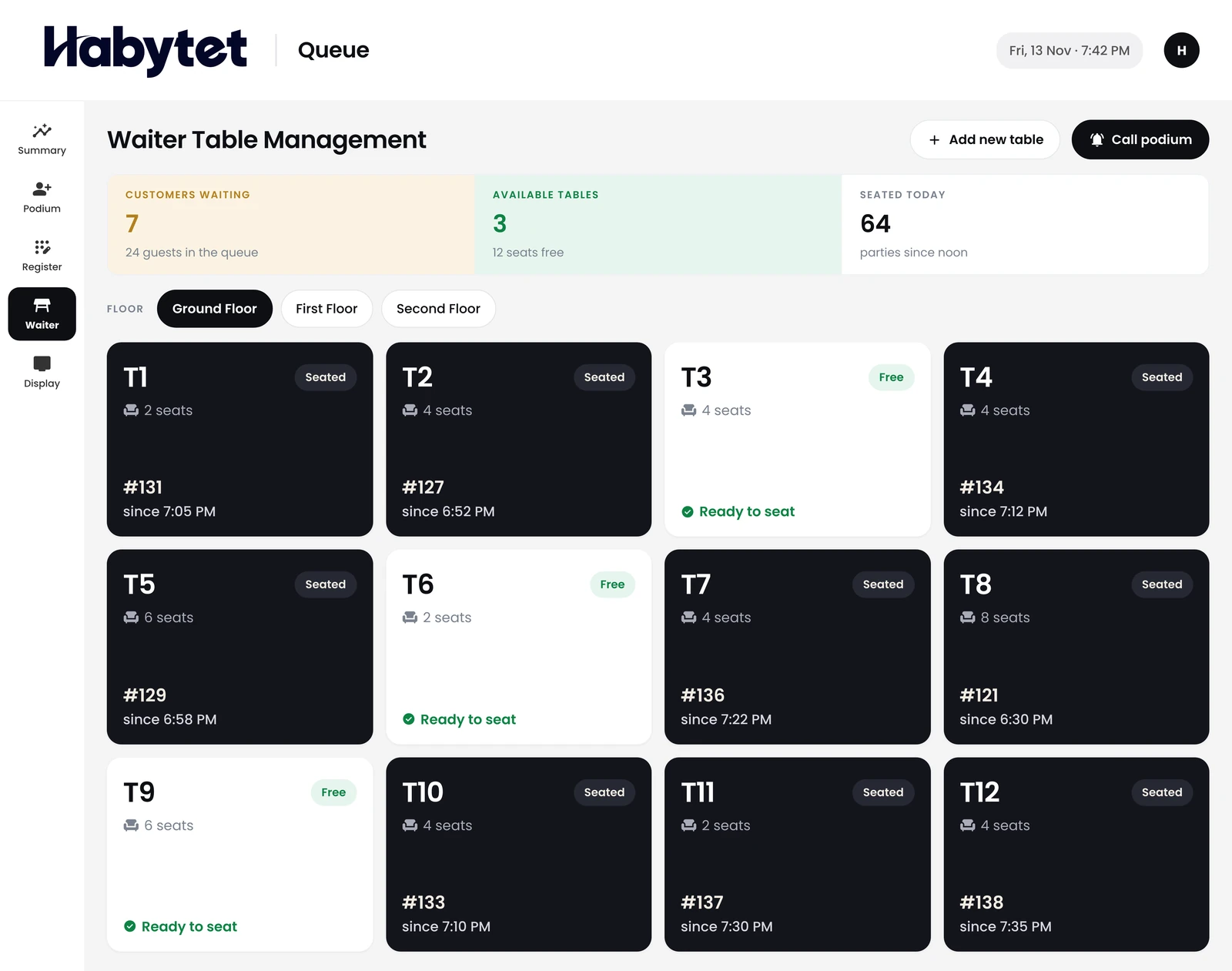
Waiters seat the next party and call the podium when a table is free.
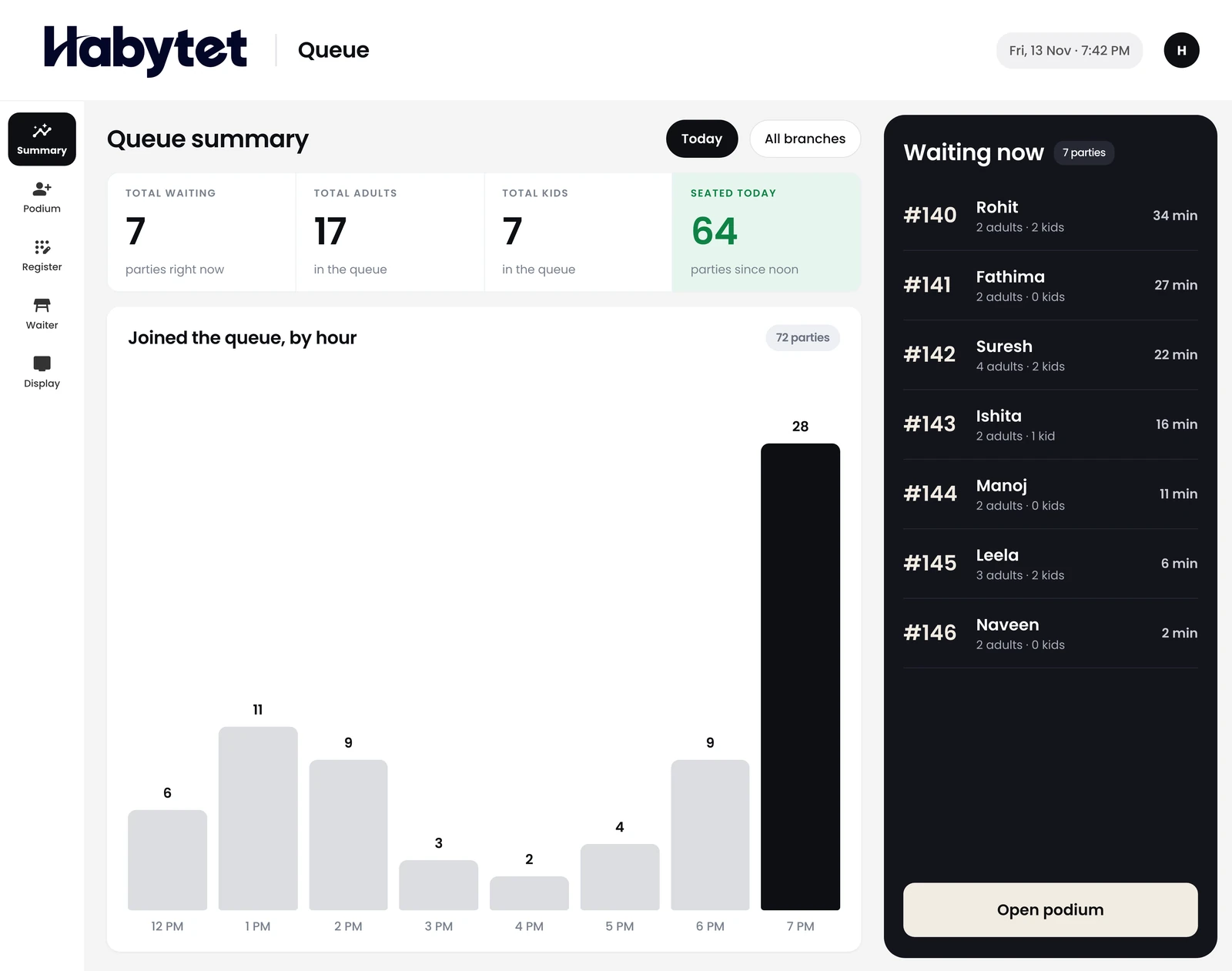
The day's queue at a glance.
Guests scan the code at the door and join the queue themselves.
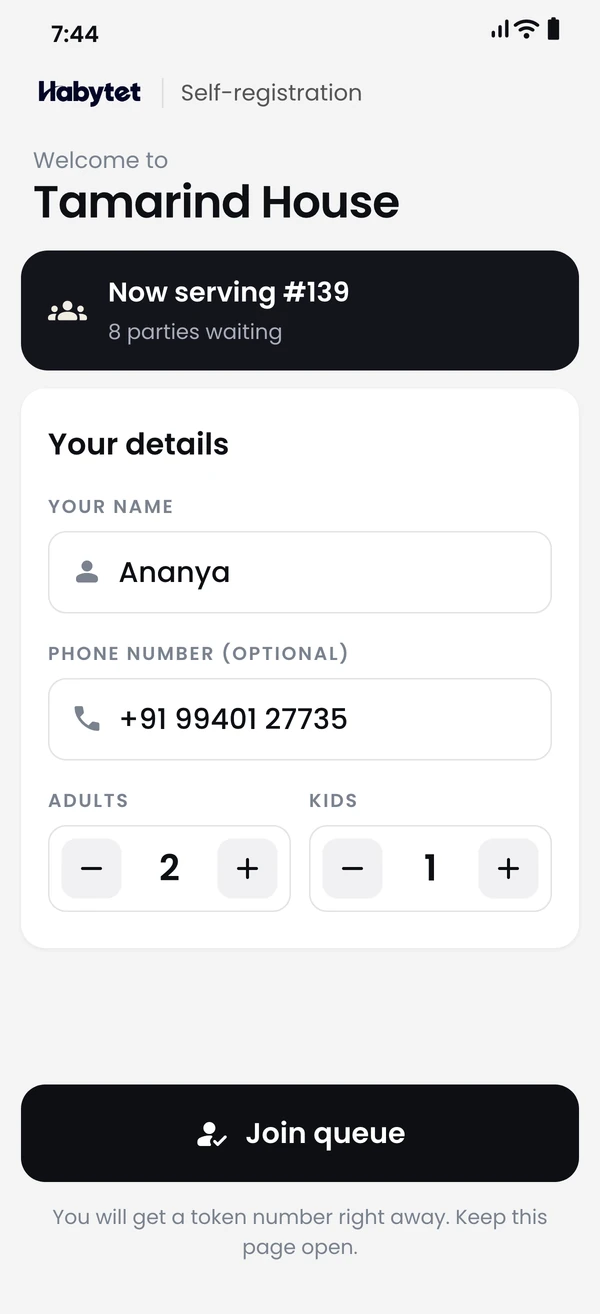
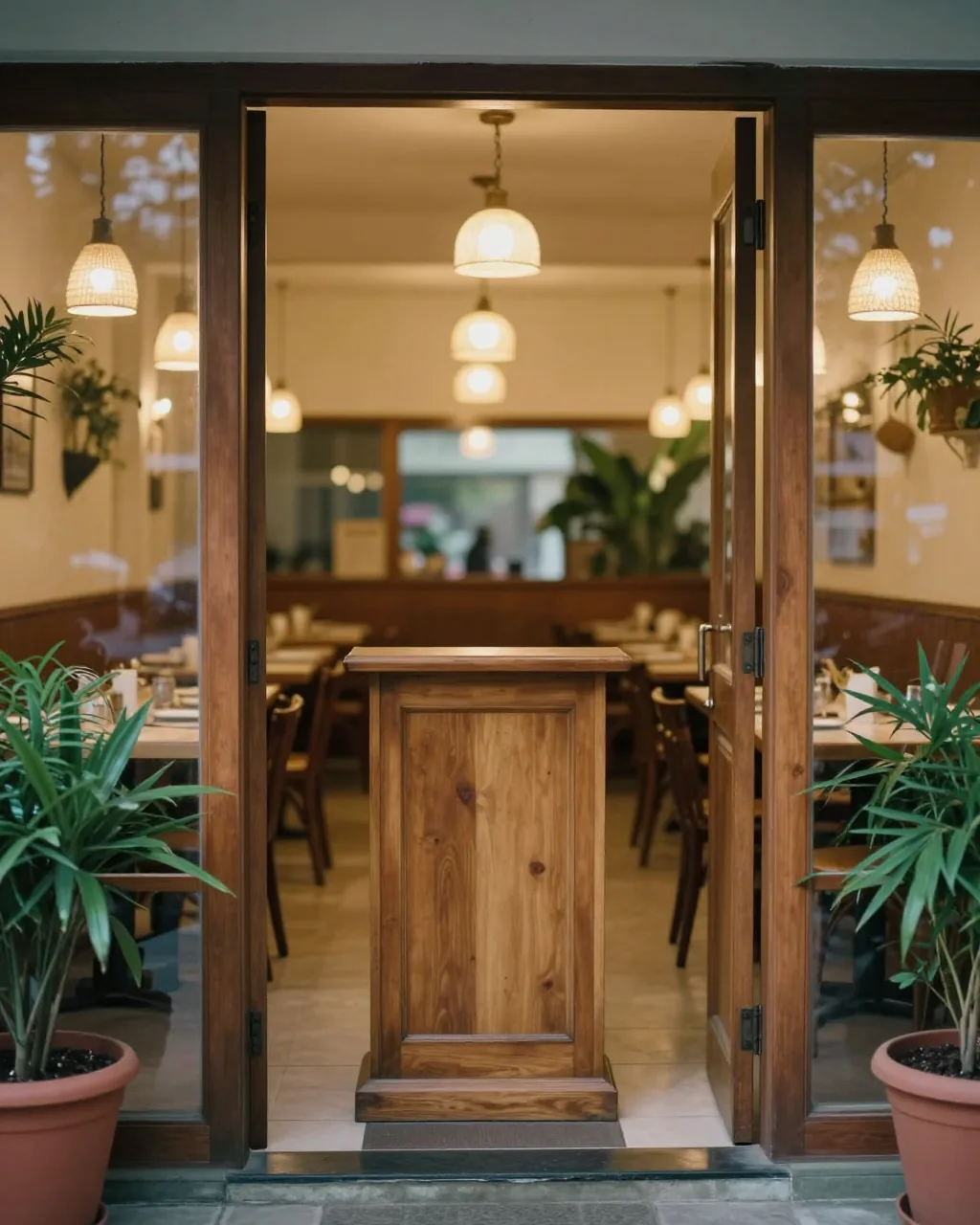

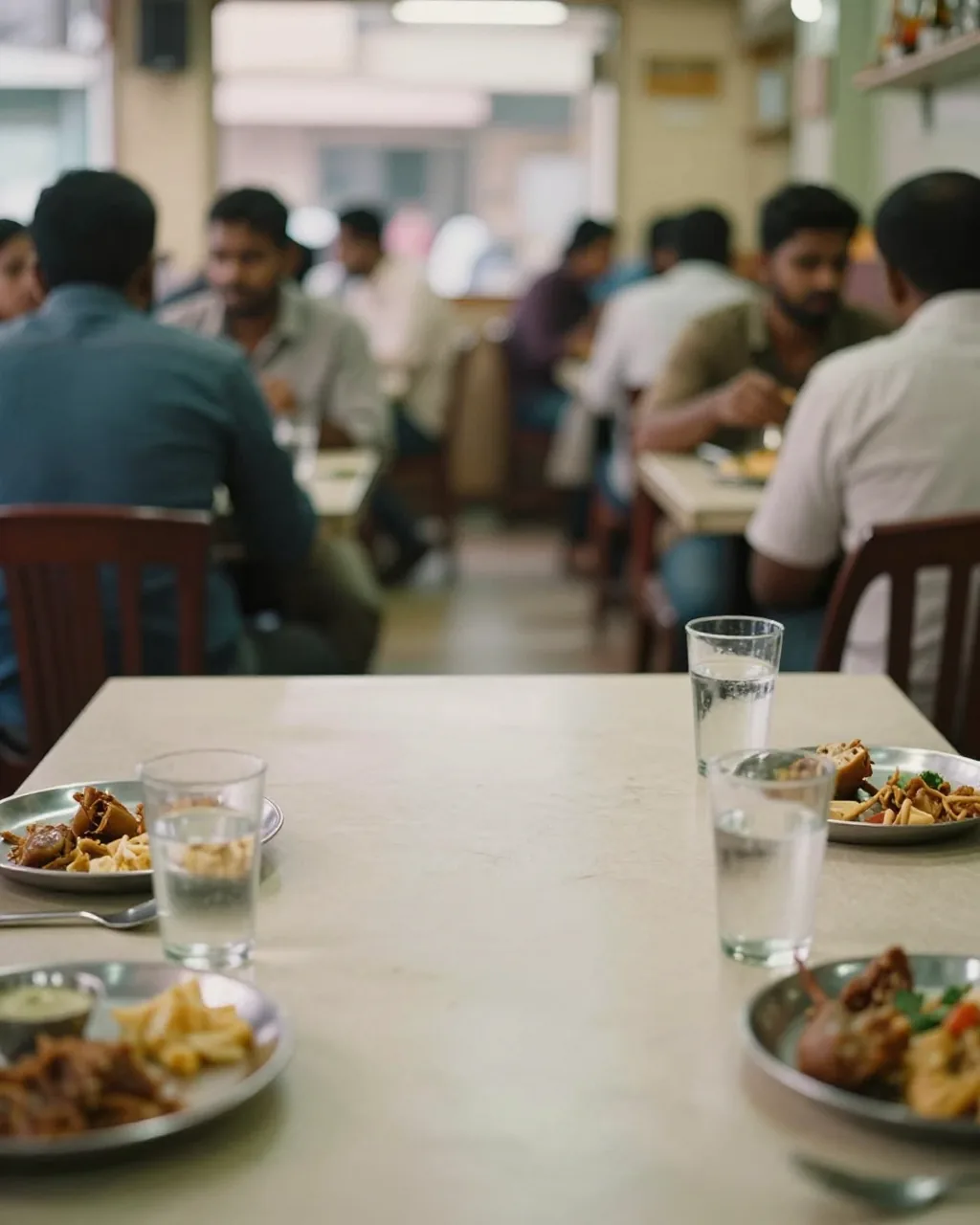
The door, the waiting area and the floor work from one live list.
Register each party and hand them a token.
The board shows which token is being served now.
Waiters seat the next party and call the podium when a table is free.
Take the name and the party size, and the token is ready. Call the next token from the same screen.
Guests scan the QR code, join the queue and see on their own phone when they are called.
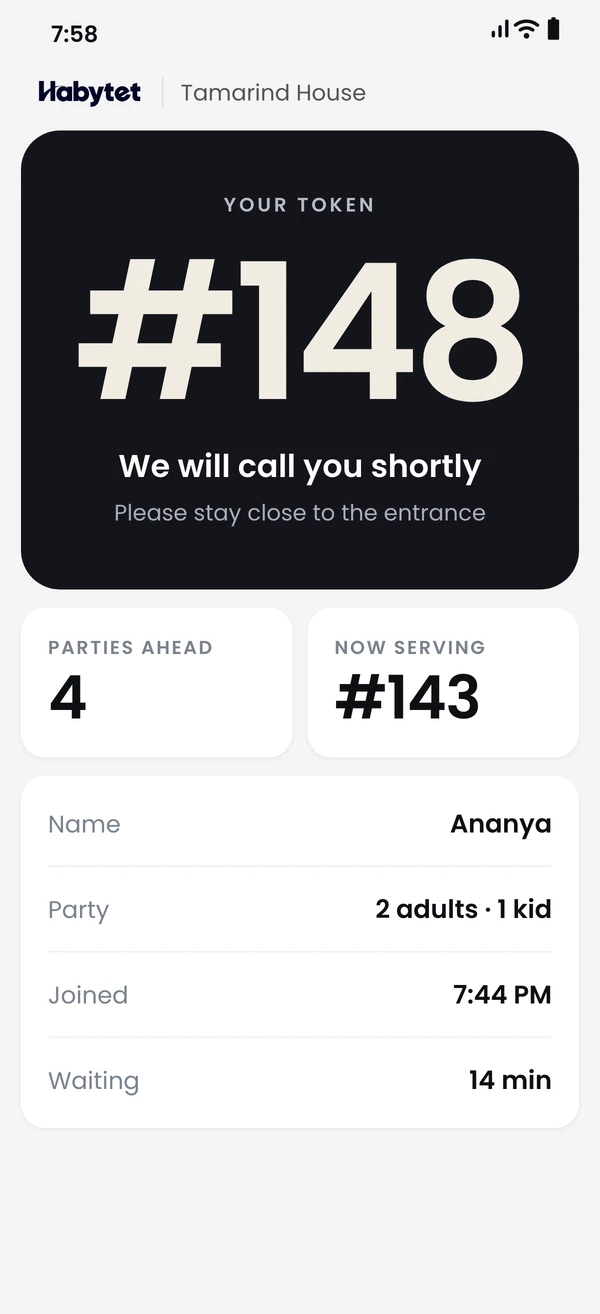
Everyone who is waiting is on one live list, and the board shows who is being served now.
See the day's queue: who joined, who was seated and who is still waiting.
At the podium you enter the guest's name, phone number and party size, and Habytet Queue gives them a token number. You call the next token from the same screen.
Yes. Guests scan the QR code at the door, enter their name and party size, and get a token straight away. There is no app to download.
Yes. Each guest gets their own page with their token and party size, which changes from waiting to called as soon as the podium calls them.
Yes. The now serving board shows the tokens being served and the tokens still waiting, and updates live. It is made to run on a tablet facing the waiting area.
Waiters keep a list of tables with their seating capacity. When a table is free they call the podium for a waiting guest, the podium accepts or declines, and seated guests leave the live list.
Yes, from the podium. Staff open WhatsApp with a ready-written message, such as the guest's token with a link to follow it, or that their table is ready, and send it from their own WhatsApp.
The queue report shows total guests, average wait time and party sizes, with a log of when each token was registered, called and seated. It can be exported to Excel.
Tell us about your restaurant and we will call you to set up a demo.
We will call you on .