
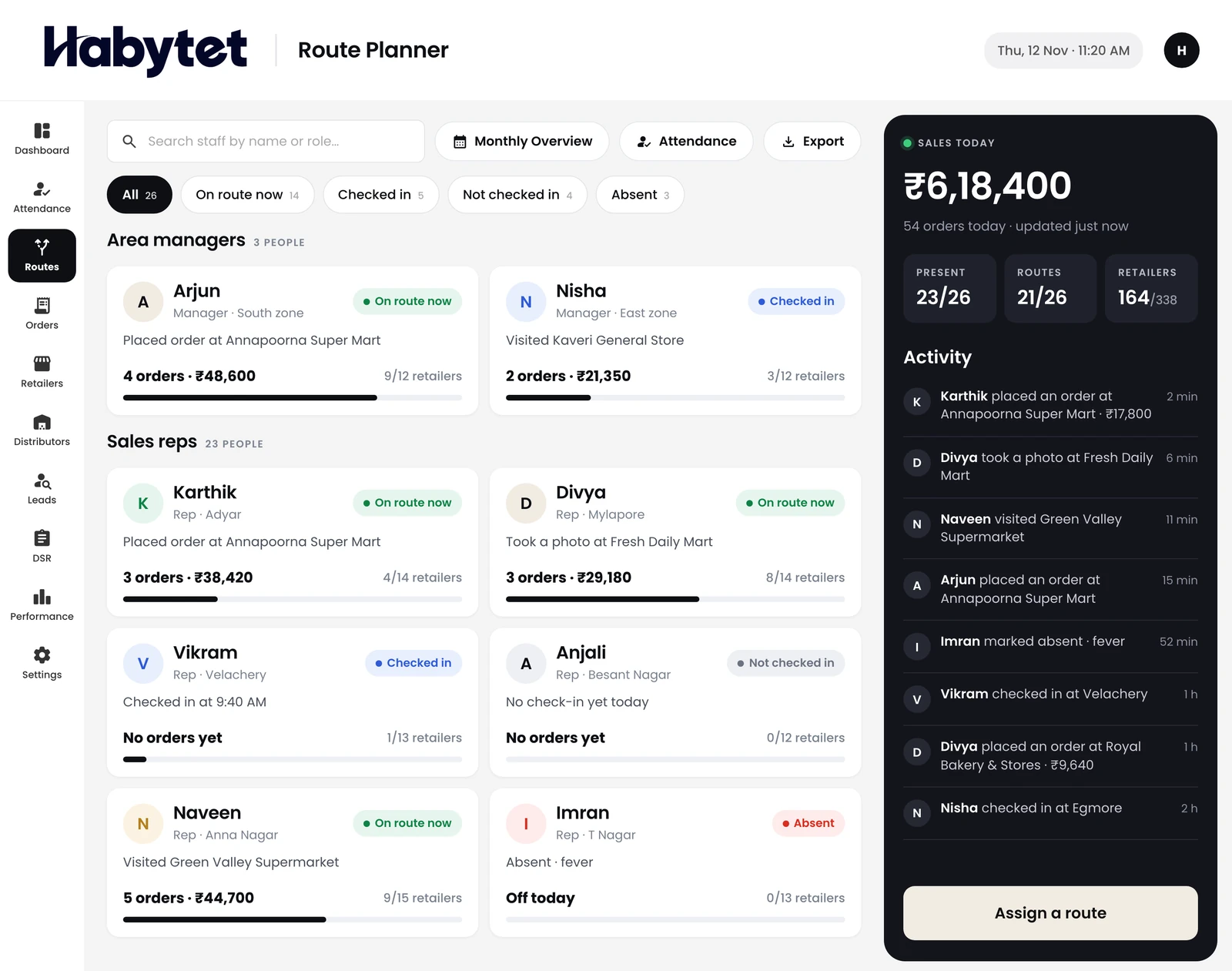
Route planner
Plan which outlets each person visits, day by day.
Products
Point of SaleBilling, kitchen and stock InventoryStock, purchases and suppliers ConstructionProjects, BOQ and site attendance ERPInventory, finance and dispatch Field SalesBeat routes, orders and attendance BanquetHalls, bookings and payments QueueTokens, waiting list and tables Fitness and StudioClasses, members and bookings
Routes, outlet orders and attendance for your sales team. On their phone in the field and on a tablet in the office.
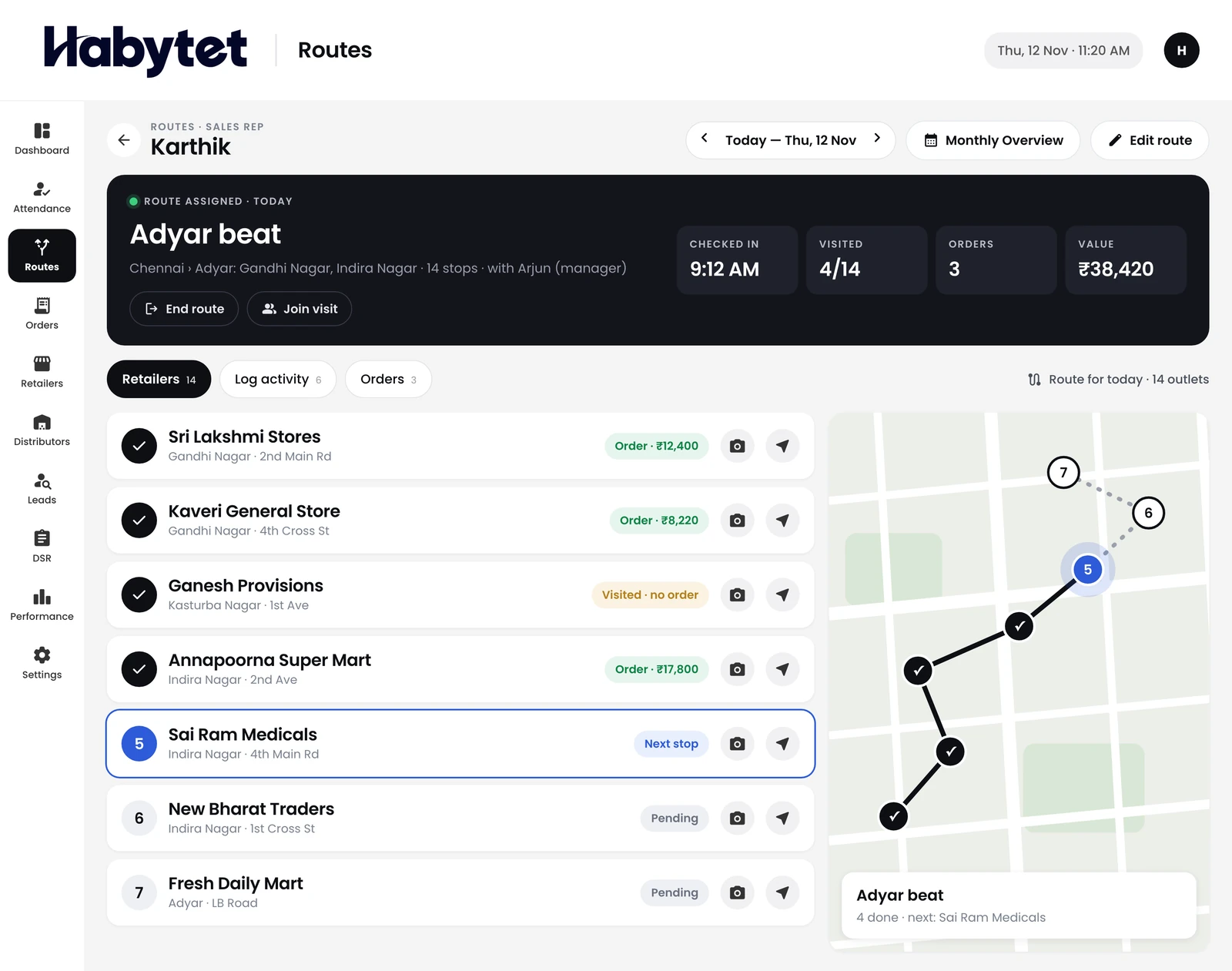
Plan which outlets each person visits, day by day.
The day's route outlet by outlet, with what is done and what is next.
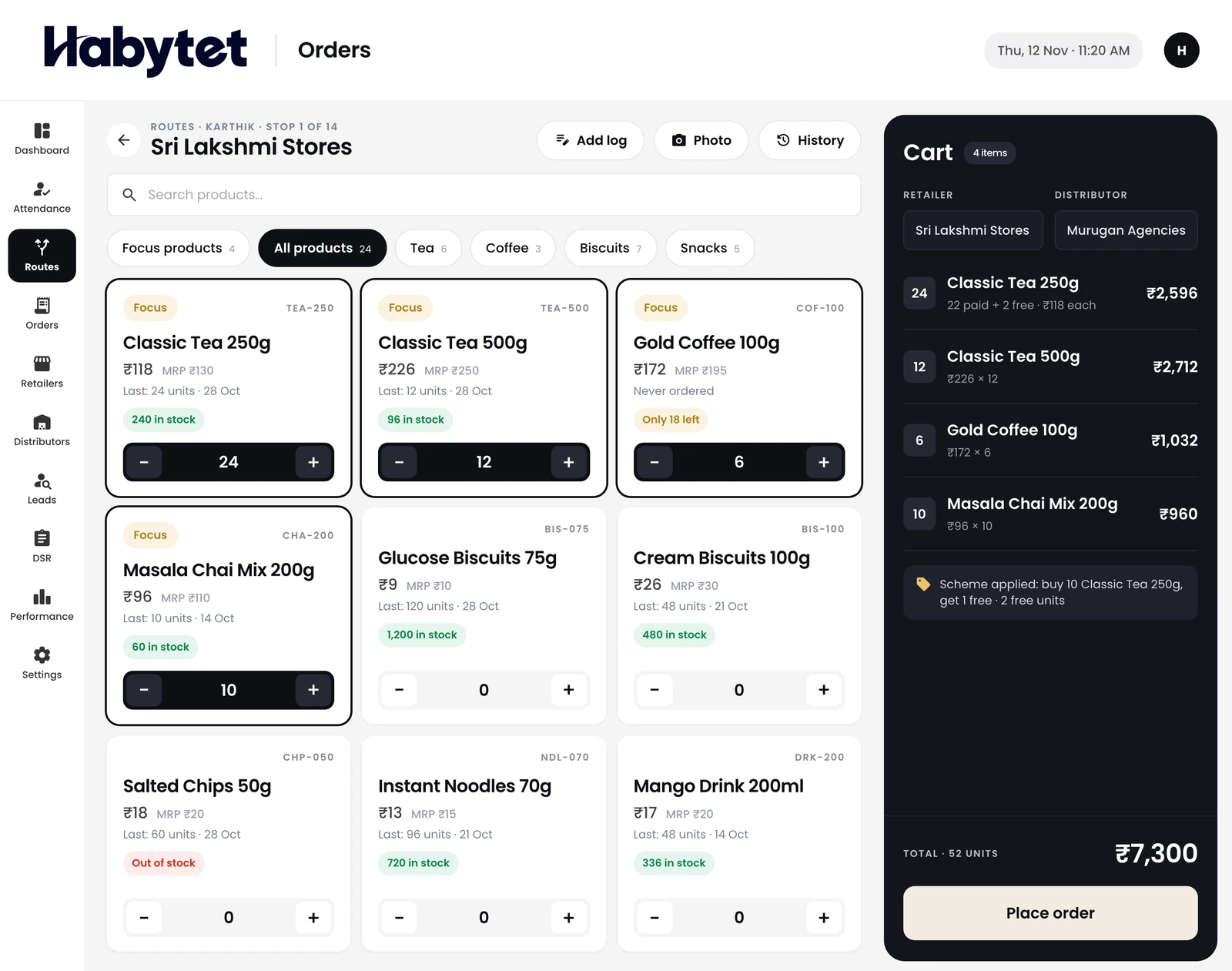
Take the order at the counter, for each retailer.
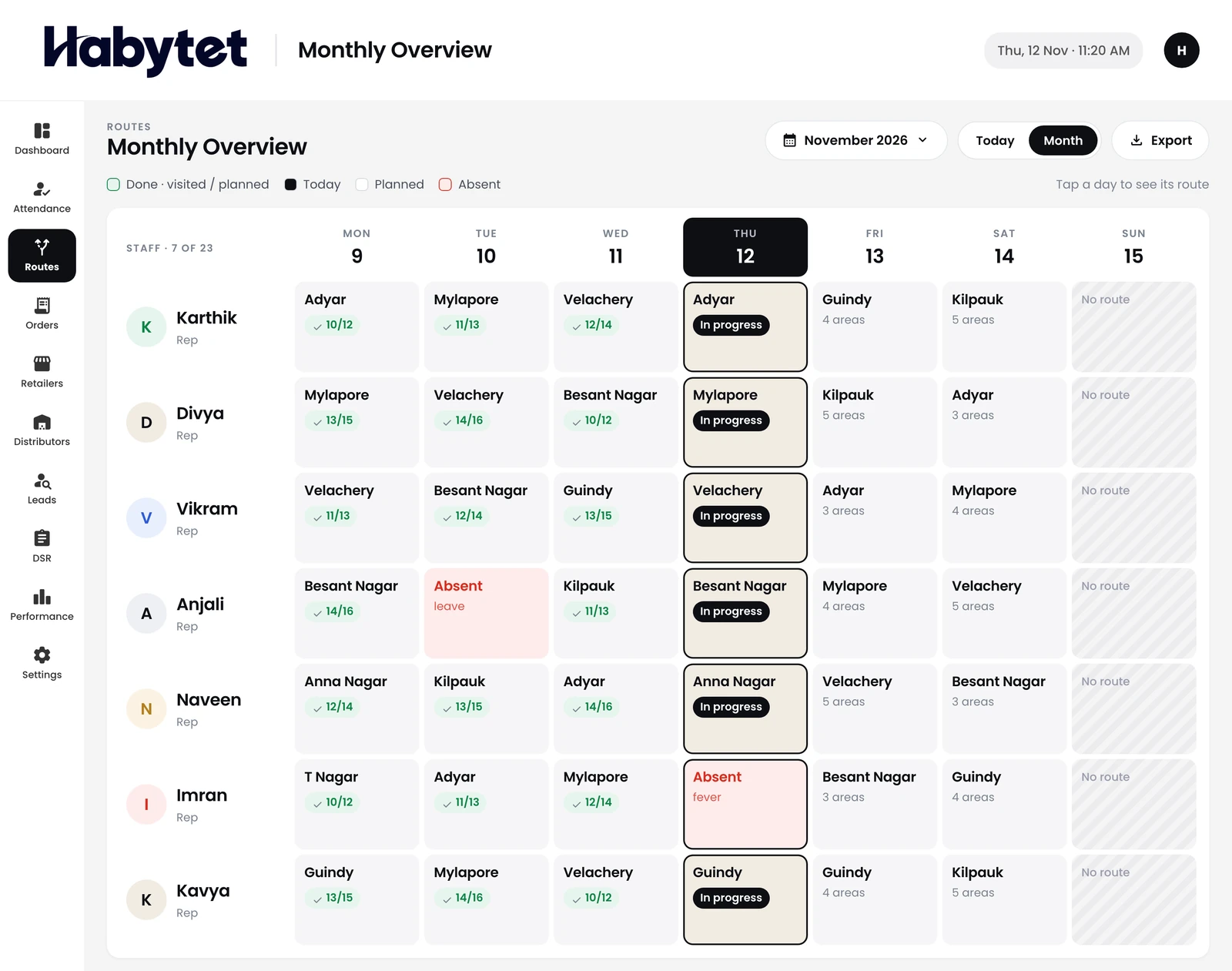
Every beat in the month on one screen.
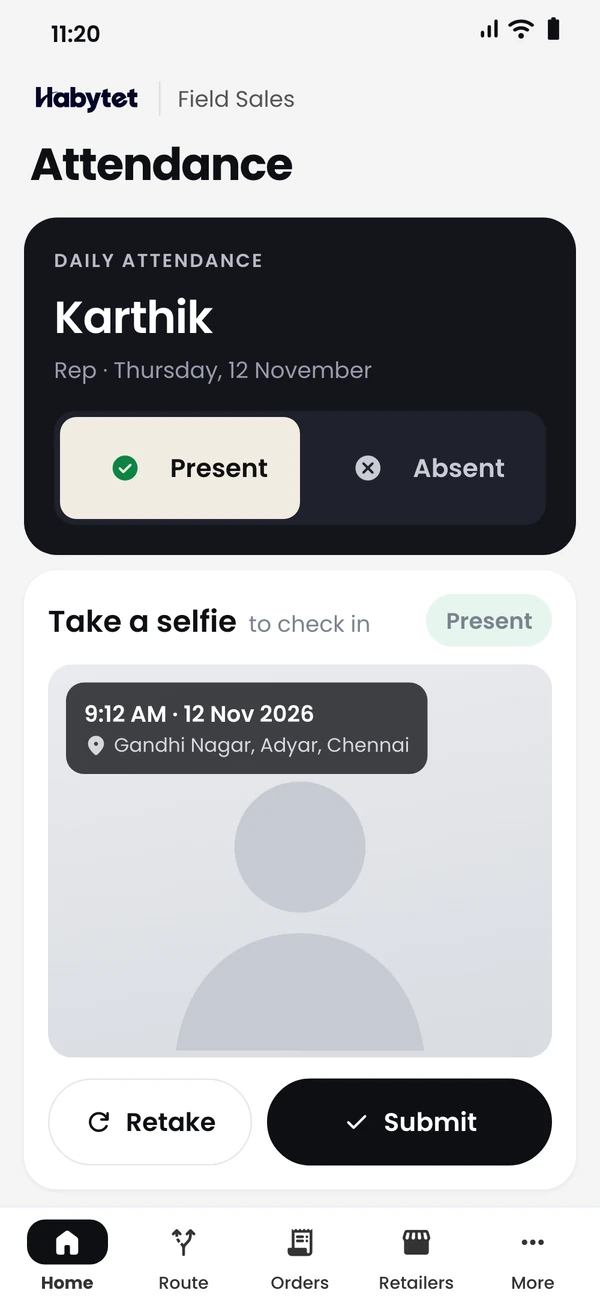
Your team marks attendance from the field when the day starts.
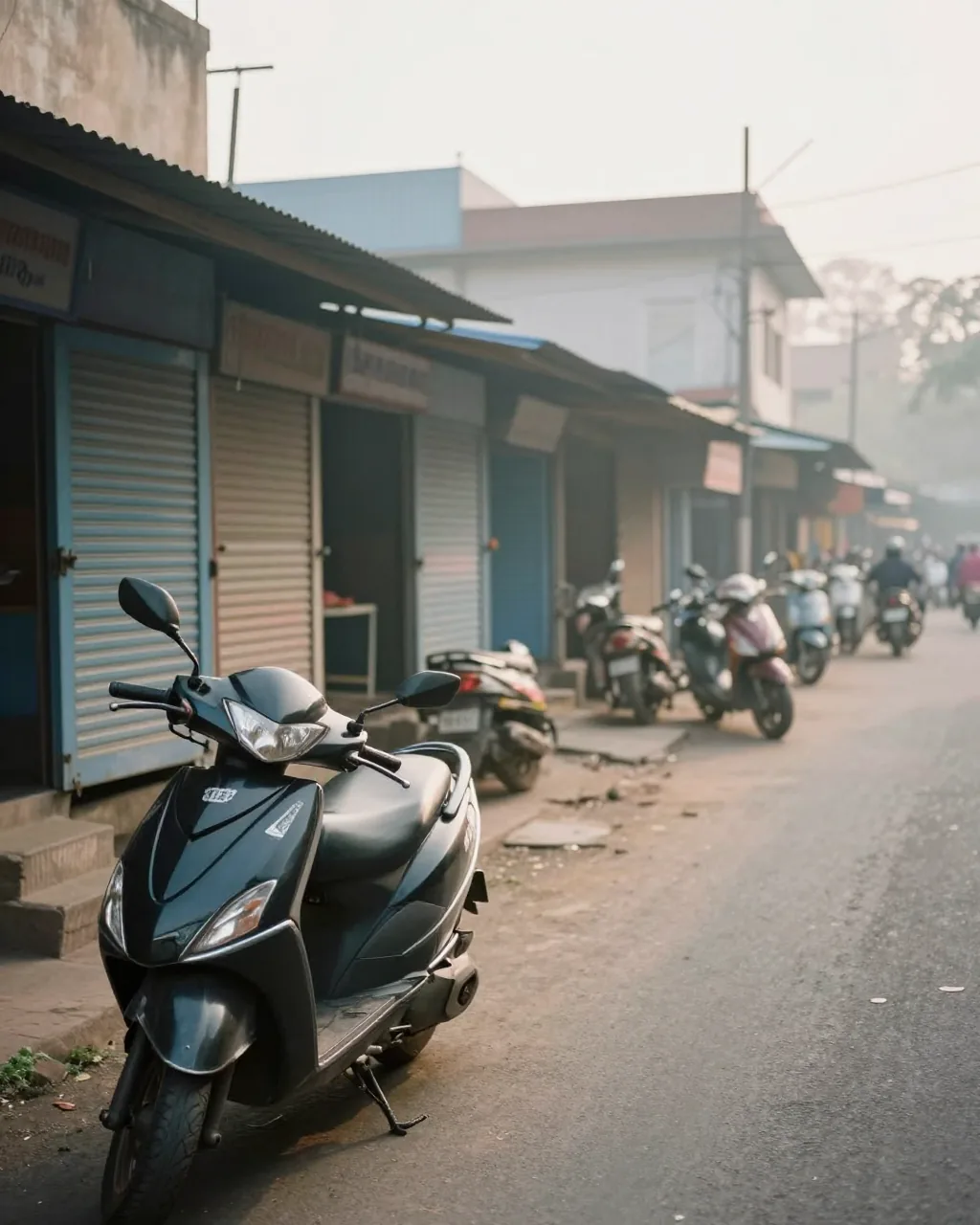

Your team in the field and your office work on one system.
Each person sees the day's beat and the next outlet to visit.
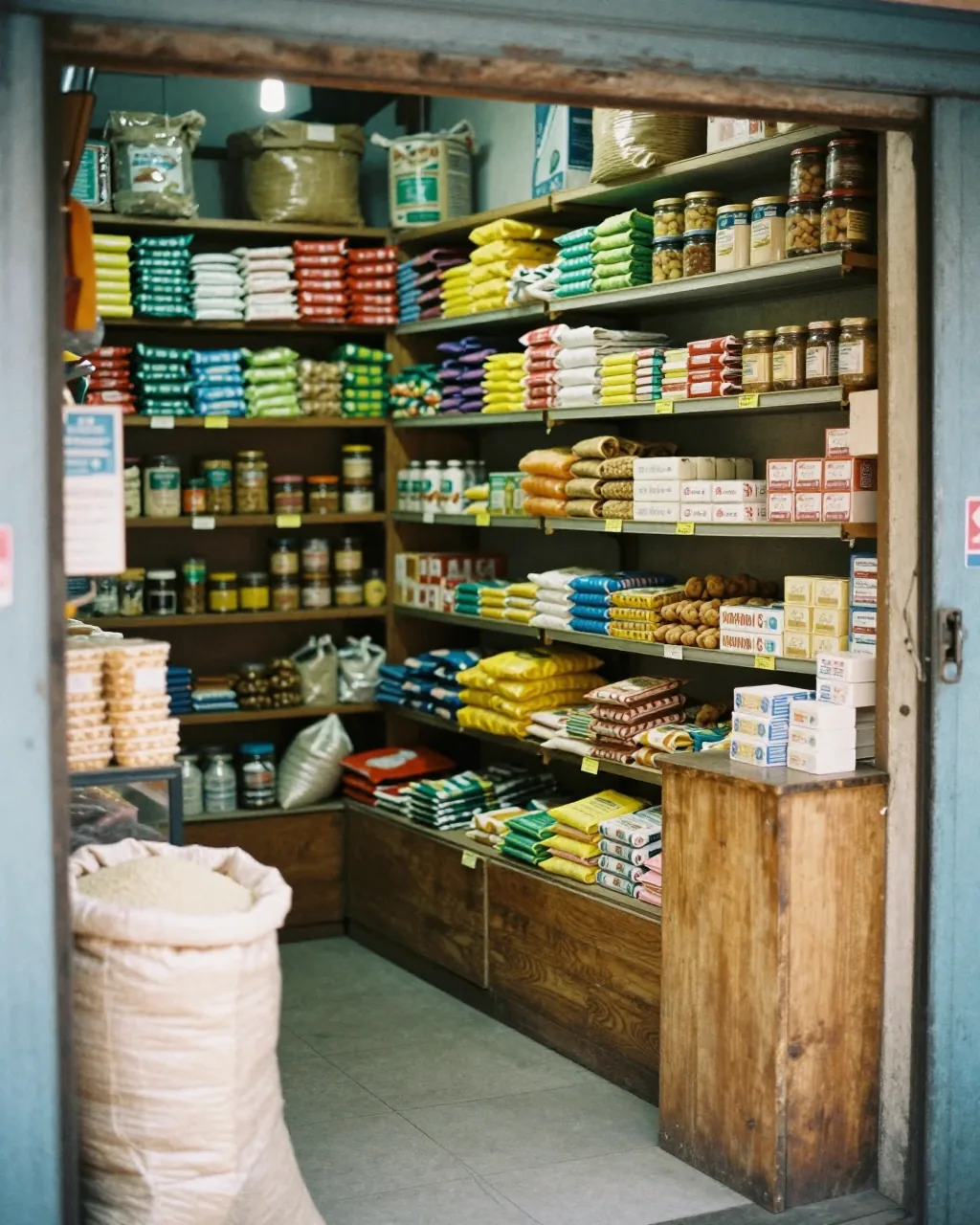
The order is taken at the counter, retailer by retailer.
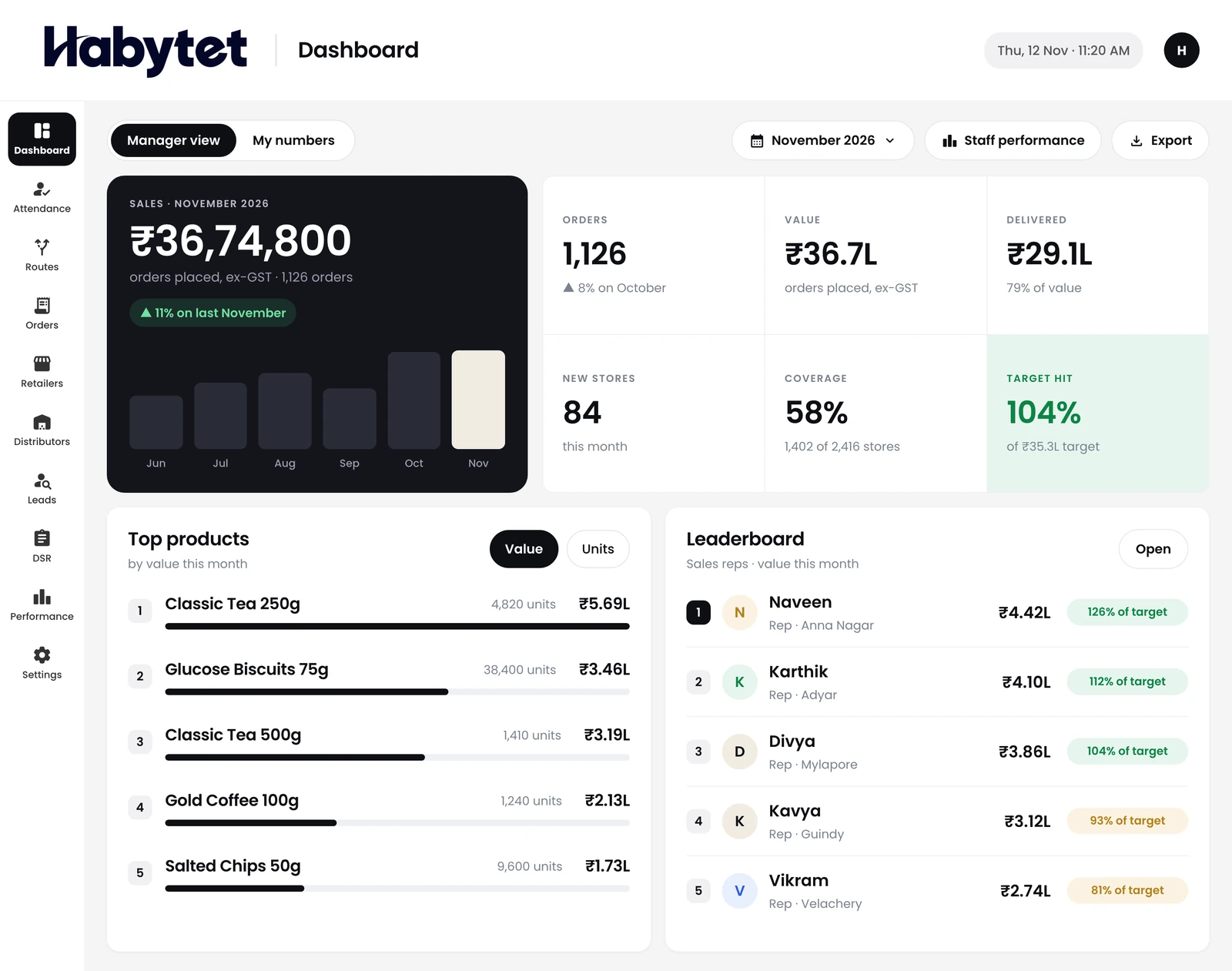
The daily sales report and the leaderboard, ready when the day ends.
Your sales staff mark attendance from their phone. You see who is out in the field.
Every retailer and distributor in one list, with the orders taken for each.
Plan the beat routes for the week, and keep new leads with the person who found them.
The day's sales in one report, and a leaderboard of how each person is doing.
Your field team uses Habytet Field Sales on an Android phone. The office uses the same system in a web browser, on a tablet or computer.
A beat is a saved list of areas in a city that you reuse whenever you plan a day. A manager gives each person a route for a date, from a beat or by picking areas, and the outlets in those areas become that day's stops.
Yes. Reps take retailer orders at the outlet and distributor orders from the same app. An order can be changed until the office sends it for processing; after that it is locked, and every change stays in its history.
At the start of the day each person marks Present with a photo from the phone camera, or Absent with a reason. The location is recorded at check-in and again when the day ends.
The route planner shows each field person and their latest activity, and the attendance view shows who is on duty, checked out or absent. Managers can open each check-in photo with its location on a map and download attendance as a CSV file.
Yes. A manager sets targets per person for a period: number of orders, order value, stores visited and new stores. A leaderboard ranks the team and shows each person against their target.
Yes. It shows, per person and per day, attendance in and out, orders and their value, units, stores visited and activity logged. You can download it for one date or a date range.
Tell us about your team and we will call you to set up a demo.
We will call you on .