
Restaurant POS software, set up around your restaurant
Habytet POS is restaurant POS software: billing, orders, the kitchen and stock on one system, running on an Android tablet at your counter. One team sets it up and supports it, built around how your restaurant already runs.
What you get with Habytet POS
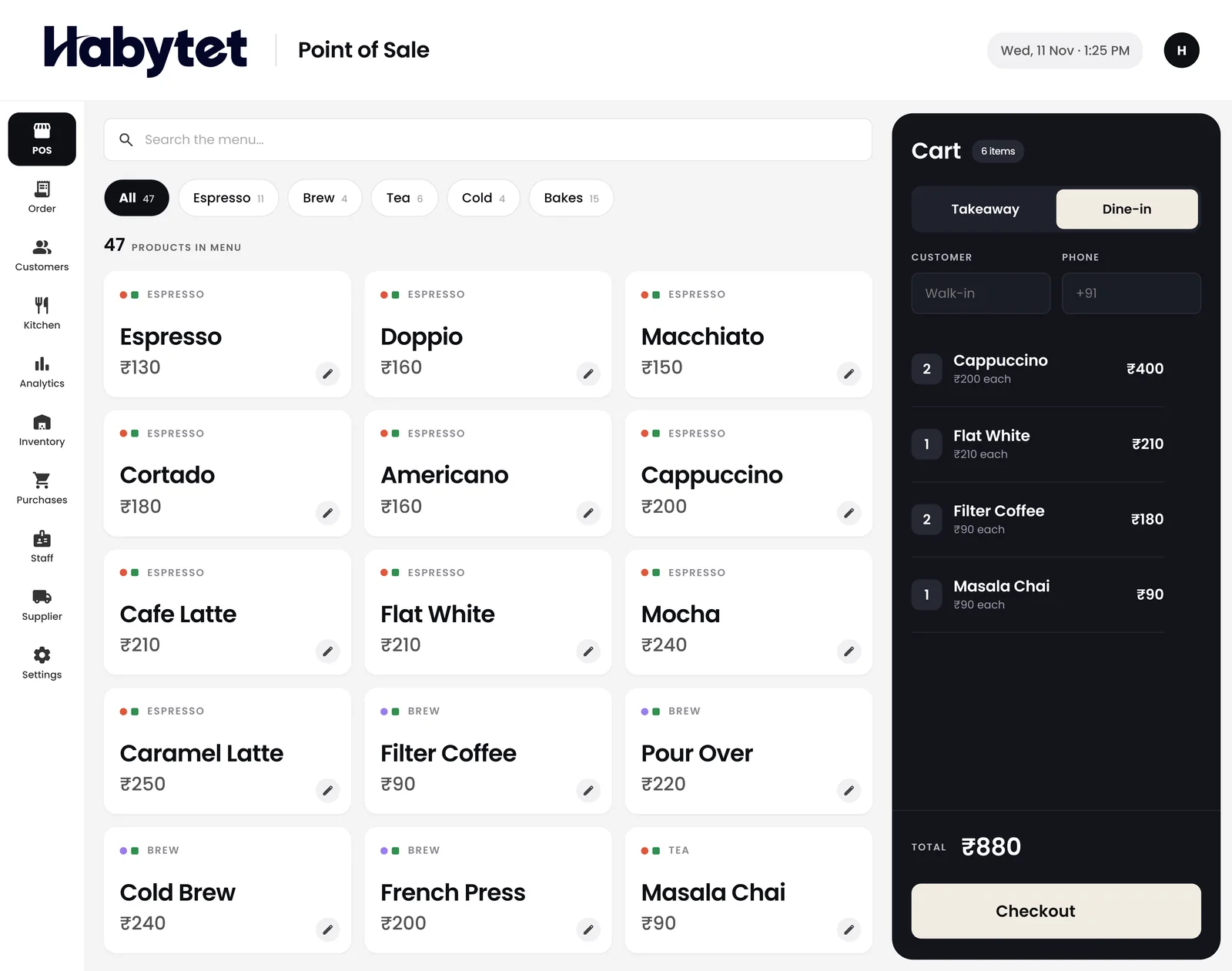
Billing and tables
Bill dine-in and takeaway in a few taps, and let each occupied table keep its running bill as new rounds are added.
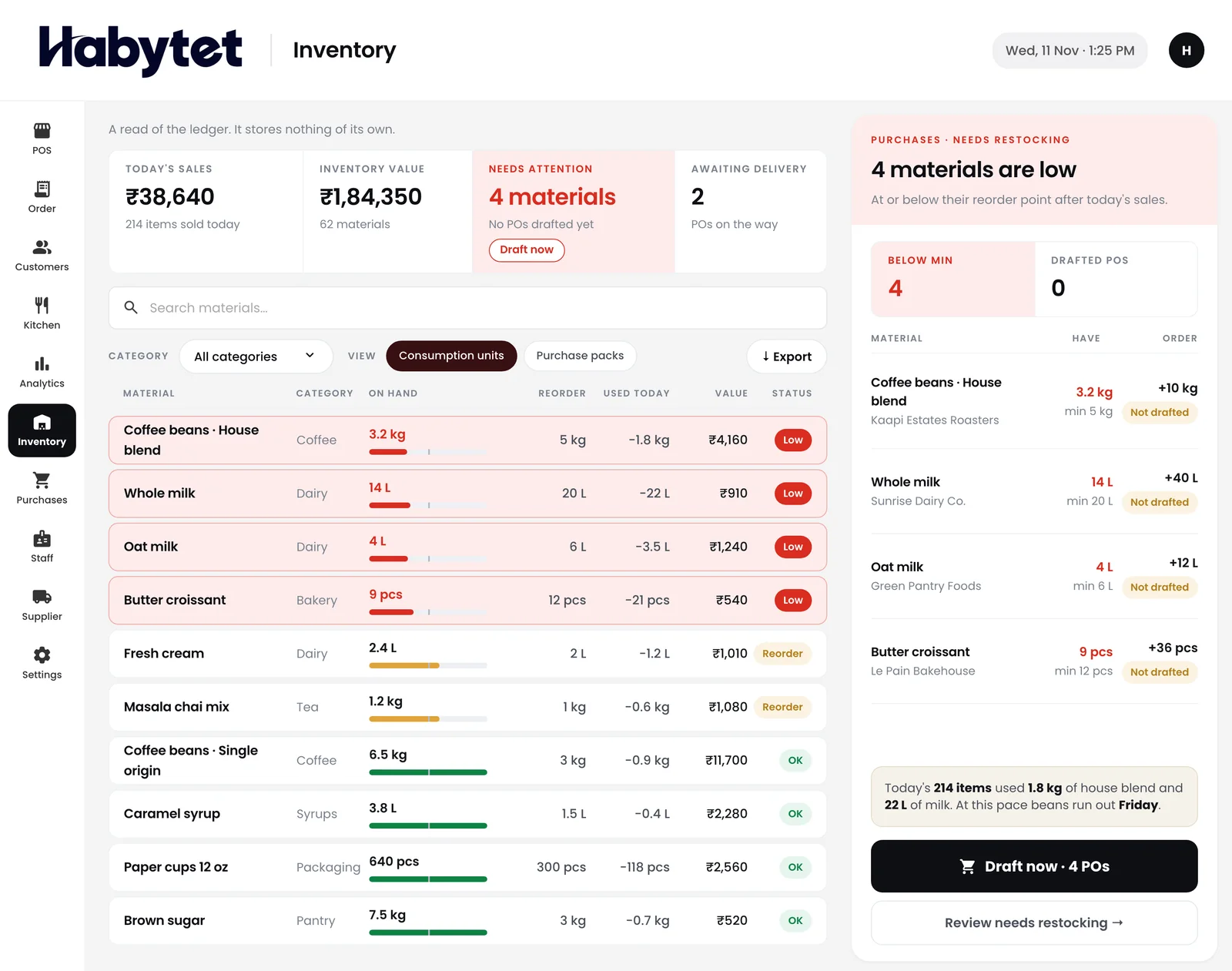
Stock, purchases and suppliers
The inventory screen lists stock on hand for every item and marks what is running low. The purchases screen keeps every supplier purchase with the amount still owed.
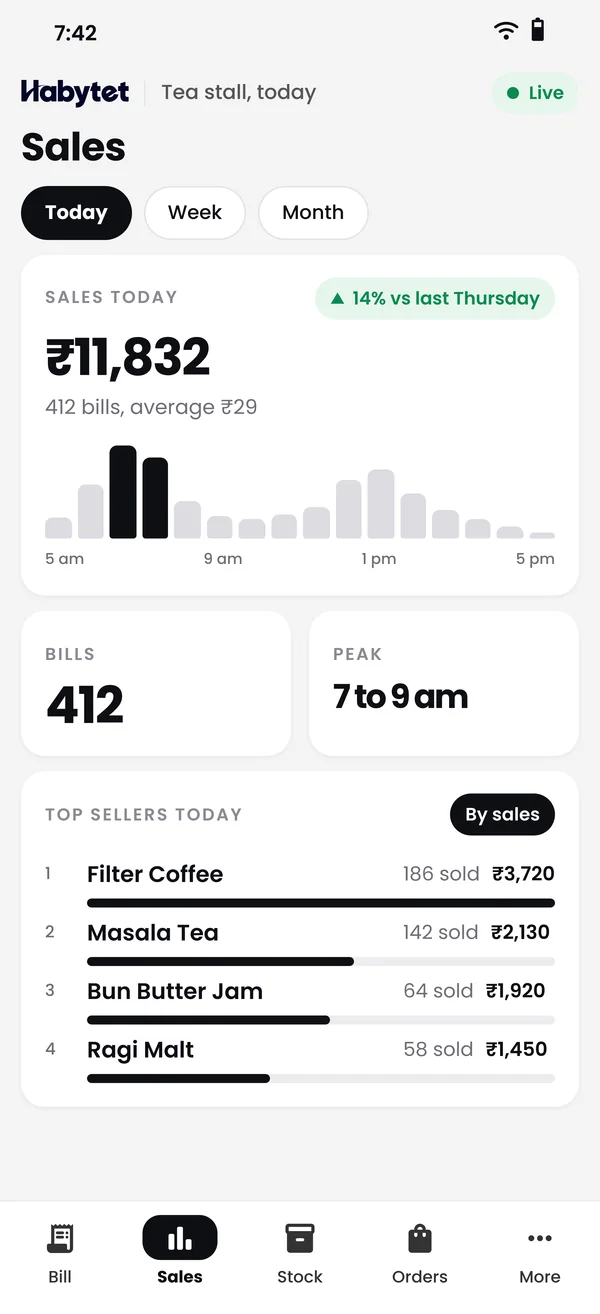
Your sales on your phone
Today's sales, bills and top sellers with charts, for any date range, so you can check the restaurant without standing at the counter.
A kitchen that sees the order
Orders show on the kitchen screen table by table, with each dish marked started and ready. The Android app can also print a ticket for each kitchen station the order needs.
Set up around your restaurant
Each Habytet product is built around the way a business already runs, and is set up and supported by one team. To start, fill in the short form on this page.
Questions.
What does a restaurant POS do?
It is the system at your counter that bills orders and ties in the kitchen, stock and reports. Habytet POS does this on an Android tablet.
Who is Habytet POS for?
Restaurants, cafes and food outlets. The same system runs the counter, the kitchen and the store room.
How do I try it?
Fill in the short form on this page and Habytet calls back to set up a demo.
Does it work with my GST?
Yes. Enter your GSTIN and each bill carries GST and the GSTIN. Menu prices can include GST or have it added on top.
Do you publish prices?
No. Habytet does not publish prices on its website; the demo is the place to ask.
Does Habytet POS take Swiggy and Zomato orders?
Yes, through UrbanPiper, a service that connects restaurants to delivery apps. It is set up for each restaurant: you need your own UrbanPiper account, and onboarding and menu mapping are done with UrbanPiper before orders flow. After that, orders arrive with no re-typing, and staff accept or reject each one from the Orders screen.
See it running in your own business.
Tell us about your restaurant and we will call you to set up a demo.
Thanks.
We will call you on .