
A table ordering app that keeps each table's bill
Habytet POS works as a table ordering app for your staff: they take each table's order on an Android tablet, and a tables view shows every table with its running bill. Each new round is added to that table's bill and shows on the kitchen screen under its table.
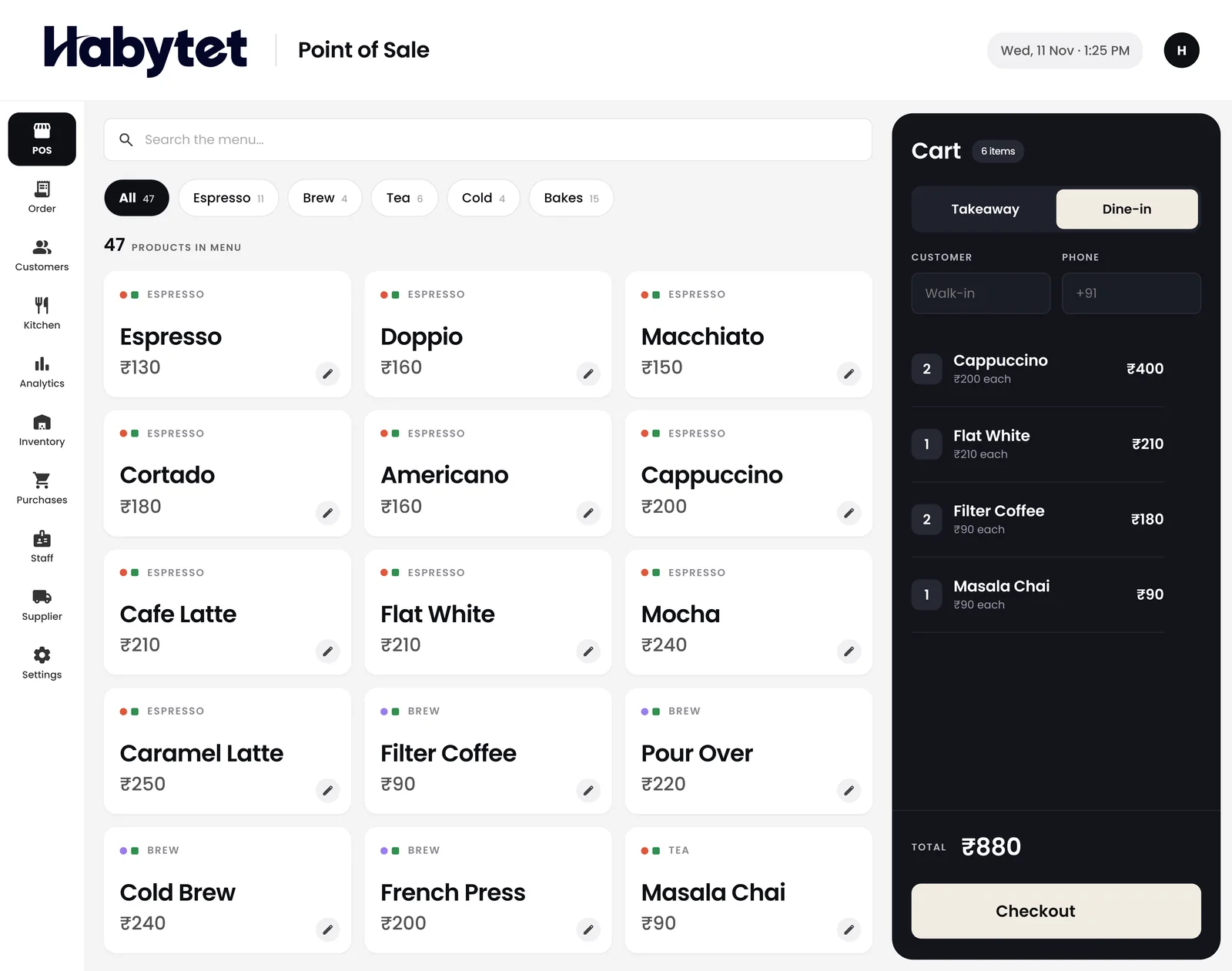
How table orders work in Habytet POS
Every table in one view
The tables view shows each table, so the staff member taking orders sees which tables are free and which already have a running bill open.
Orders reach the kitchen table by table
The kitchen screen shows each order under its table, with every dish marked started and ready, so the cooks know which table each dish belongs to.
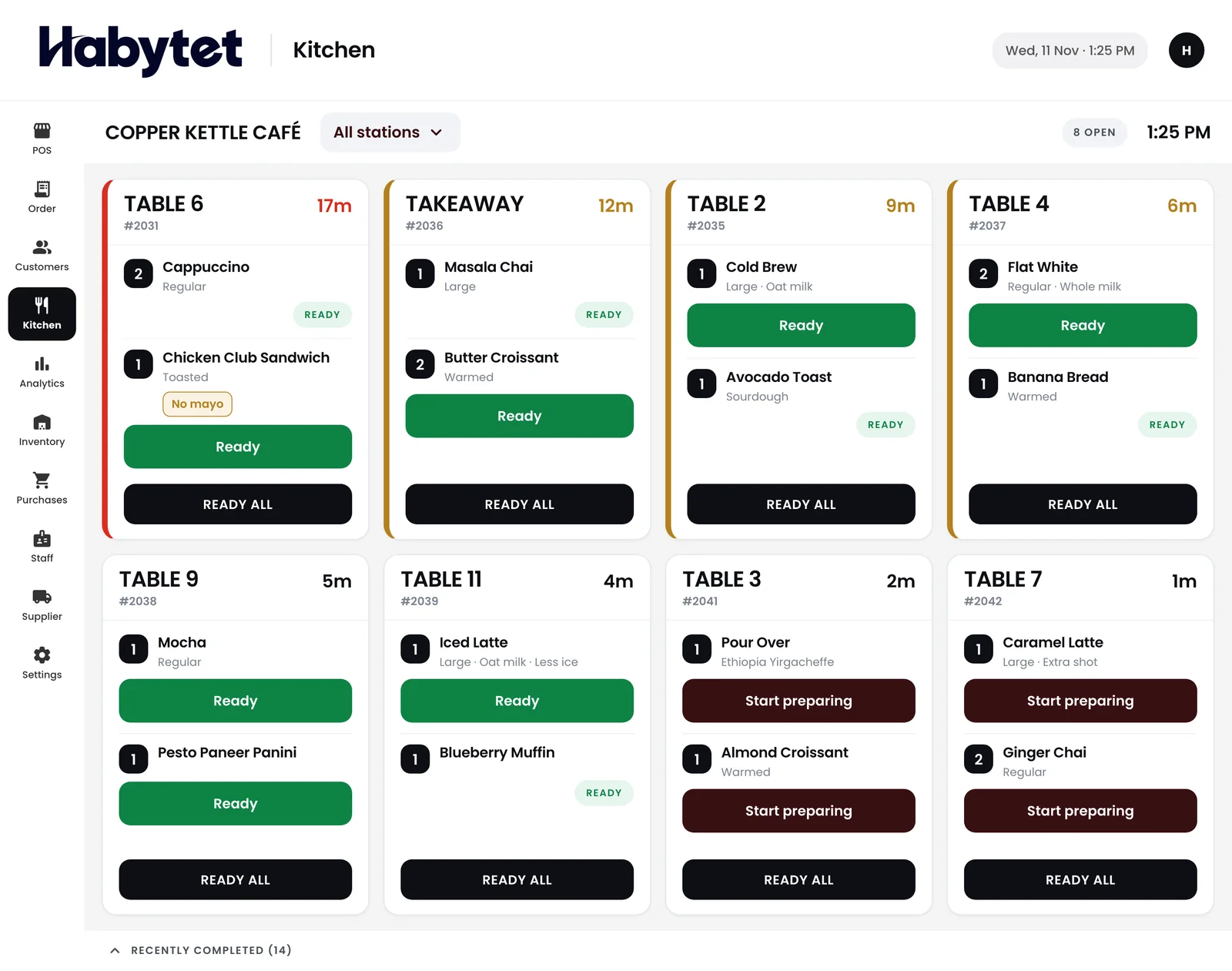
Rounds added to the same bill
When a table orders again, staff add the new round to its running bill. By the time the table asks for the bill, every round is already on it.
Sizes and add-ons as the item goes in
Staff pick a size or an add-on as the dish goes into the order, so the kitchen gets the dish the way the guest asked for it.
One bill, split how the group pays
When the table is done, its bill can be split across UPI, cash, card and online payments, however the group wants to settle.
Questions.
Does each table keep its bill?
Yes. An occupied table keeps its running bill in the tables view, and each new round is added to it.
Do orders go to the kitchen?
Yes. The kitchen screen shows orders table by table, with each dish marked started and ready.
Can a table split the bill?
Yes. One bill can be split across more than one payment mode, such as part UPI and part cash.
Does it print kitchen tickets too?
Yes, if you want paper. The Android app prints kitchen tickets on a thermal receipt printer on the shop's network, one for each kitchen station the order needs.
See it running in your own business.
Tell us about your restaurant and we will call you to set up a demo.
Thanks.
We will call you on .