
How to manage restaurant staff roles and access
Give each person their own login and only the access their job needs. Cashiers bill, cooks see the kitchen, and only a few trusted people see money, purchases and settings.
Why separate access matters
When everyone shares one login, you cannot tell who made a bill, cancelled it or gave a discount. Separate logins tell you who did what, and they let you take away one person's access without disturbing the others.
Start with a few roles
Do not make a role for every person. Make a role for each kind of job, and place people in it. A small restaurant can often manage with four or five.
- Billing: takes orders and makes bills
- Kitchen: sees and updates the kitchen screen
- Purchases: records what is bought from suppliers
- Stock: sees and changes stock
- Manager or owner: sees money, reports and settings
Be careful with money screens
Keep totals, reports and settings for the owner or manager. Cashiers rarely need to see the day's total. Fewer people who can change prices and tax settings means fewer errors.
Review access when things change
Look at your roles every few months. When someone leaves, remove their login the same day. When someone is promoted, give them the new role and not a shared password.
Where Habytet POS fits
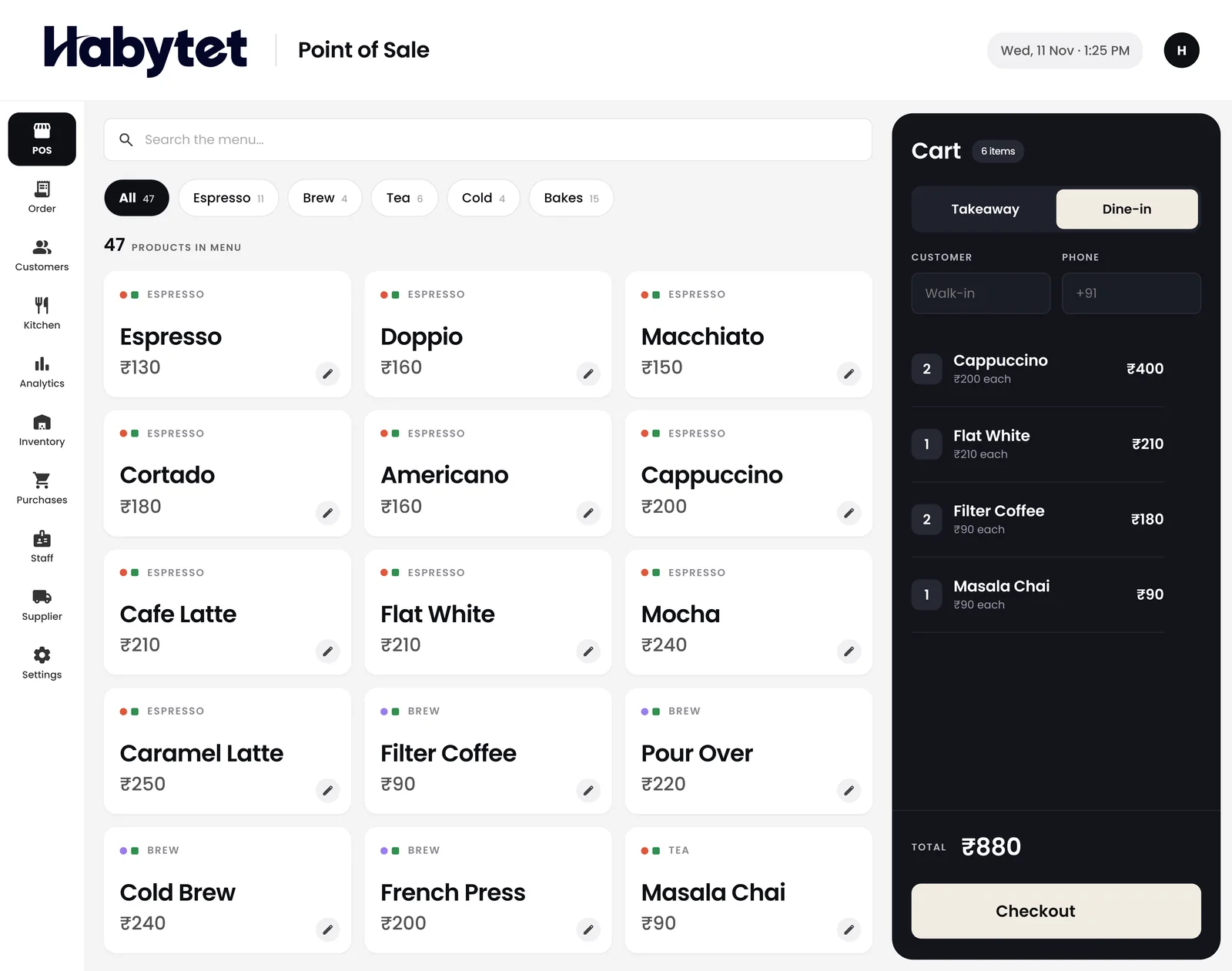
In Habytet POS you create roles and set what each can do: billing, the kitchen screen, seeing money, purchases, inventory, reports and settings. Every staff member has their own login.
Habytet products in this guide
Questions.
Why should each staff member have their own login?
So you can see who made, changed or cancelled a bill, and remove one person's access without affecting anyone else.
How many roles does a restaurant need?
Often four or five, such as billing, kitchen, purchases, stock and manager. Add more only when a job really differs.
Can I control what each person does in Habytet POS?
Yes. You create roles and set what each can do, such as billing, the kitchen screen, seeing money, purchases, inventory, reports and settings.
What should I do when a staff member leaves?
Remove their login the same day, so nobody else can use it.
See it running in your own business.
Tell us about your business and we will call you to set up a demo.
Thanks.
We will call you on .