
How to manage tables and split bills
Give each table one running bill, add each round to it, and settle it once when the guests ask. For splits, agree the method with the guests first, then enter it the same way every time.
One running bill per table
When guests sit, open a bill for the table. Add each round to the same bill instead of starting a new one. At the end there is one total, and nothing is lost between rounds.
Add rounds clearly
Guests often order in rounds, such as starters first, then mains, then dessert. Send each round to the kitchen as a new order so the cook sees what is new, and add it to the same table's running bill.
Know which tables are open
At a glance you should know which tables are free, running and waiting to pay. A tables view helps the captain walk the floor with the same picture as the counter.
Common ways to split a bill
Guests split bills in a few usual ways. Ask which one before you print.
- Equally, by the number of people
- By item, each person pays for their own dishes
- By amount, one person pays a set figure
- By payment mode, part in cash and part by UPI or card
Avoid split-bill mistakes
Confirm the method first, then confirm the total each person owes before taking payment. If tax applies to each part, check that the parts add up to the full bill.
Where Habytet POS fits
Habytet POS has a tables view. An occupied table keeps its running bill, and new rounds are added to it. One bill can be paid across more than one mode, such as part in cash and part by UPI.
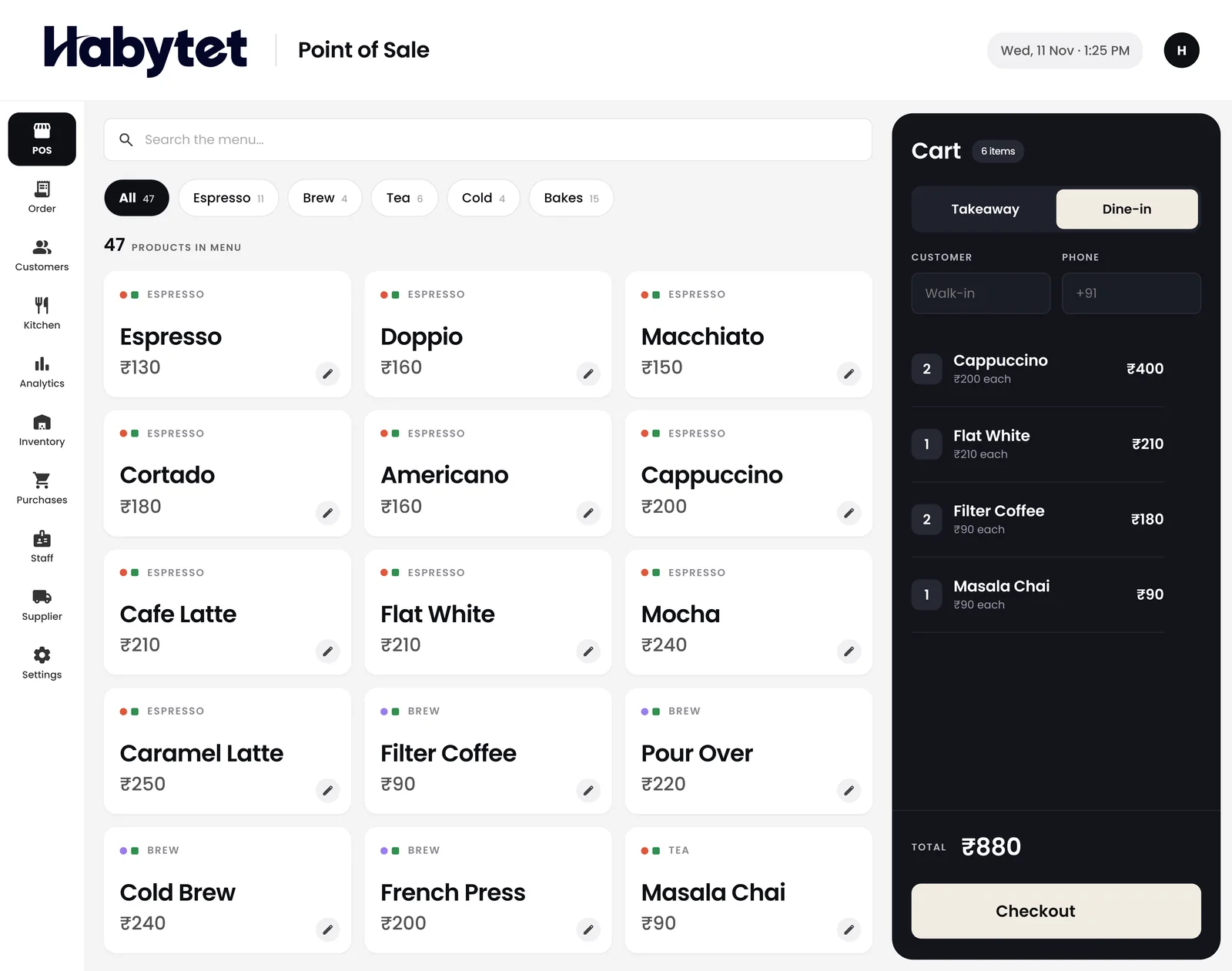
Habytet products in this guide
Questions.
What is a running bill?
A bill that stays open for a table while rounds are added. It is settled once, when the guests are ready to pay.
How do you split a restaurant bill?
Agree a method first: equally, by item, by amount or by payment mode. Then confirm each person's total before taking payment.
Does Habytet POS keep a table's bill open?
Yes. An occupied table keeps its running bill, and new rounds are added to it.
Can one bill be paid in cash and UPI?
Yes. In Habytet POS one bill can be split across more than one payment mode, such as cash and UPI.
See it running in your own business.
Tell us about your business and we will call you to set up a demo.
Thanks.
We will call you on .