
How to move from paper billing to a POS
Move in small steps: set up your menu and tax details, train the staff on a quiet day, and run the POS next to paper for a few days. Keep paper as a backup until the team is comfortable.
Know why you are moving
Write down what you want to fix. It may be slow bills at peak hours, mistakes between the counter and the kitchen, or no clear picture of the day's sales. This tells you what to test first.
Check hardware and space
Decide where the device and printers will sit. Check the network at the counter and in the kitchen. Ask your provider what hardware works with their software before you buy anything.
Train on a quiet day
Train the people who will use it, in the same order the work happens: the cashier first, then the kitchen. Let each person bill a few practice orders. A short written guide at the counter helps in the first week.
Run both for a few days
For the first few days, keep paper beside the POS. At the end of each day, compare the two totals. Differences will show where the menu or the habits need fixing, and the staff will see that nothing is lost.
- Day 1: practice orders on a quiet shift
- Days 2 to 4: real orders, with paper alongside
- Day 5: paper only as a backup
- End of the week: review mistakes with the team
Where Habytet POS fits
Habytet POS runs on an Android tablet at the counter, with sales and reports also in a web browser on a phone. The counter, the kitchen and the store room work on the same system, and it is set up and supported by one team.
A demo is arranged through the short form on this page, and Habytet calls back to set it up.
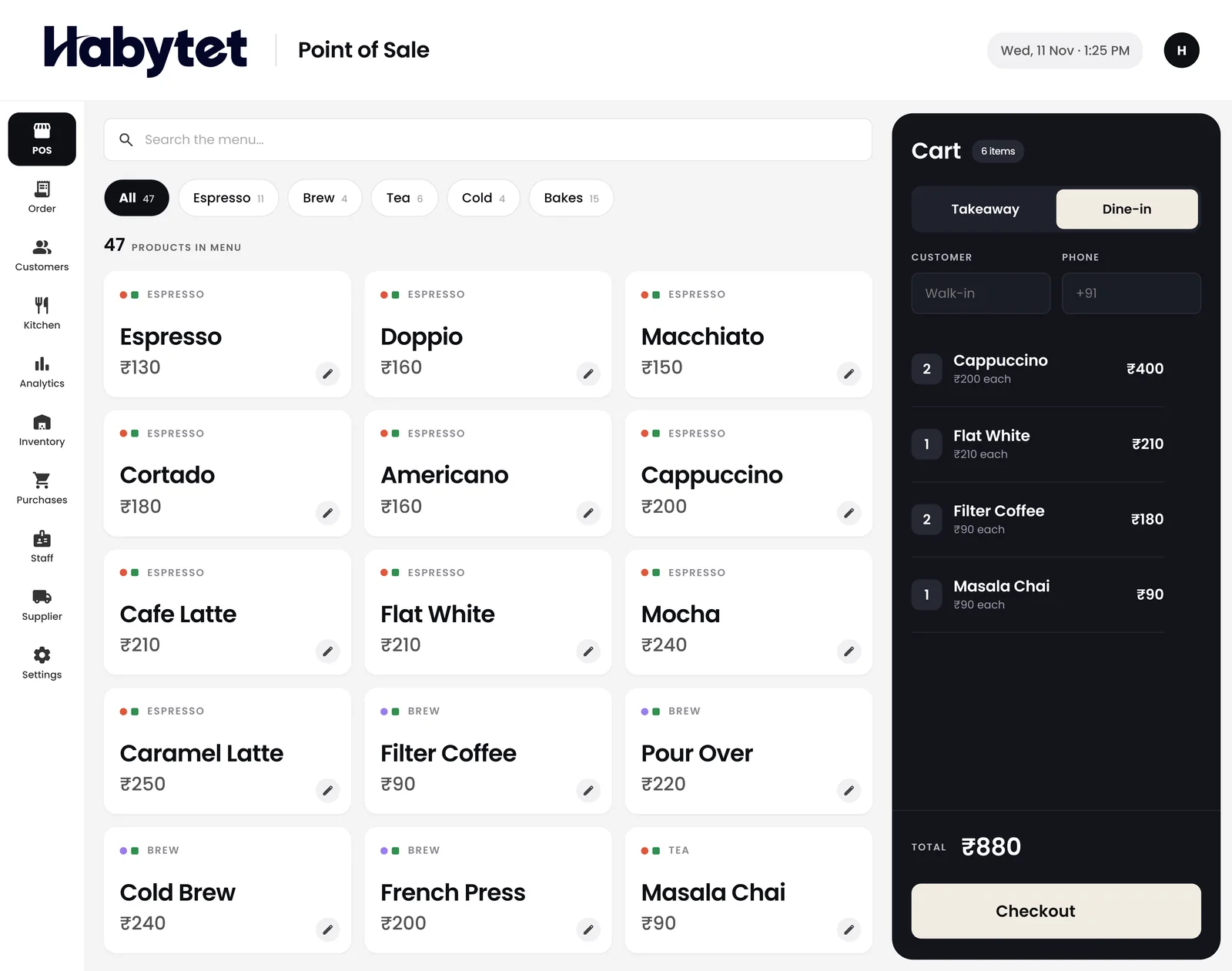
Habytet products in this guide
Questions.
How long does it take to move from paper to a POS?
Plan for about a week of running both side by side, after the menu is entered. Your own pace and team size decide the rest.
Should I keep paper bills after switching?
Yes, as a backup, for the first week or two. Drop it only when the team is comfortable.
What does Habytet POS run on?
An Android tablet at the counter. Sales and reports can also be checked in a web browser on your phone.
Who sets up Habytet POS?
One team sets up Habytet POS around the way your business already runs, and the same team supports it after that.
See it running in your own business.
Tell us about your business and we will call you to set up a demo.
Thanks.
We will call you on .