
Restaurant POS in Bengaluru for cafes and darshinis
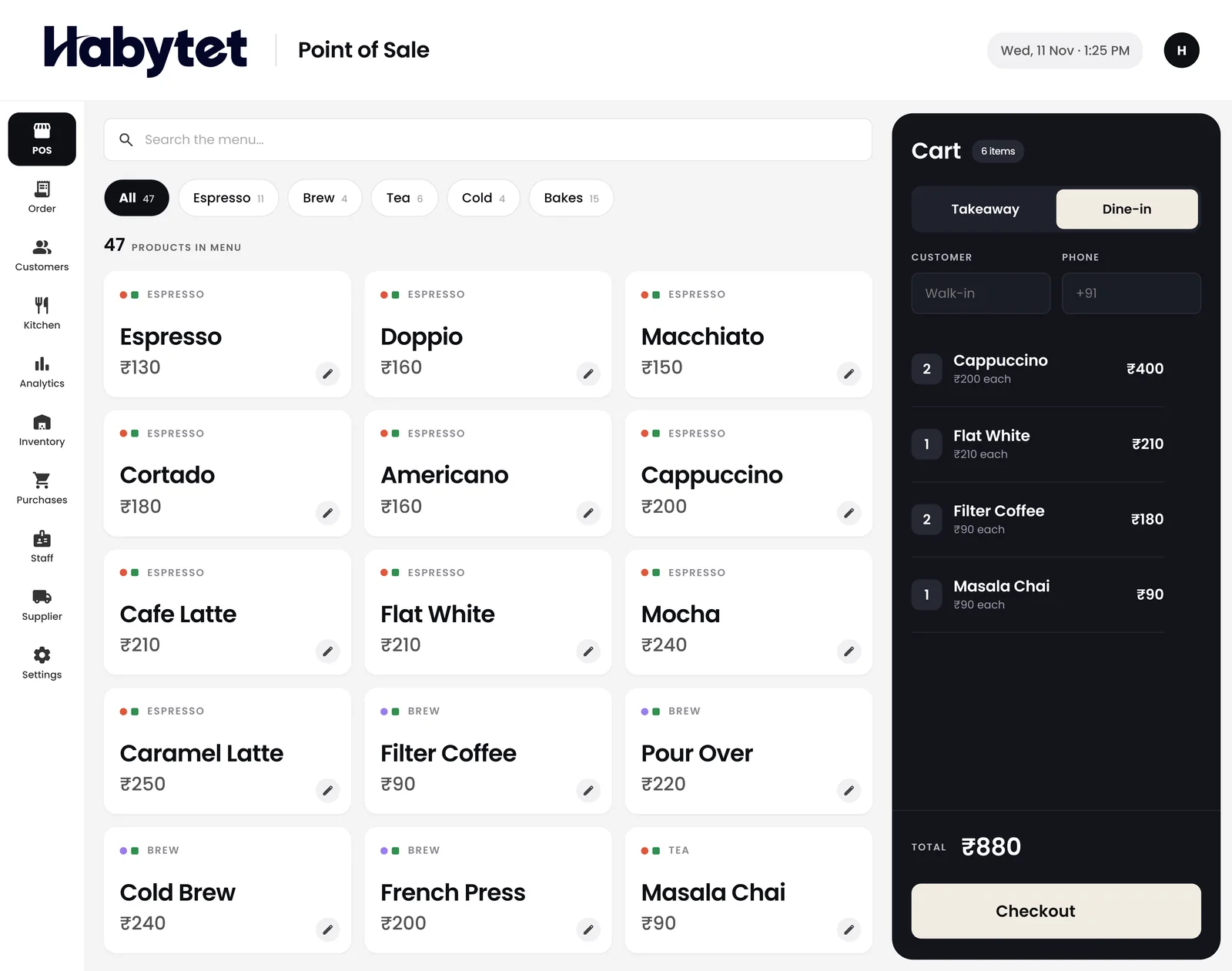
Habytet POS is billing software for Bengaluru restaurants, cafes and food counters, made by Habytet. It runs on an Android tablet at the counter, adds GST to each bill, takes UPI, cash and card, and keeps the kitchen and stock on the same system.
What a Bengaluru business needs from its POS
GST on a Karnataka bill
A GSTIN registered in Karnataka starts with 29. When a Bengaluru restaurant sells to a customer in the state, the GST is split into CGST and SGST. Once your GSTIN is entered, Habytet POS adds GST to each bill and prints the GSTIN on it, and any order opens as a PDF invoice that shows CGST and SGST in equal halves.
Darshinis, Udupi hotels and coffee counters
Bengaluru's food trade ranges from standing-room darshinis and Udupi-style hotels to bakeries, coffee counters and cafes, in areas such as Malleshwaram, Jayanagar, Indiranagar and Koramangala. Habytet POS gives a busy counter a quick bill for dine-in or takeaway, and sends each kitchen station a ticket for its own dishes.
Setup and support for Bengaluru
One team sets up Habytet POS around the way your place already runs and supports it afterwards. Fill in the short form on this page and Habytet calls you back to arrange a demo, where you can ask how setup would work for you.
Good to know in Bengaluru
- Every GSTIN registered in Karnataka begins with 29, the state's code in the GST system.
- A bill for a sale inside Karnataka carries its GST as CGST and SGST in equal halves.
- Darshinis are self-service counters where customers order, pay and often eat standing.
- Thindi Beedi, the food street in Bengaluru's VV Puram, is a well-known stretch of street food stalls in south Bengaluru.
- Filter coffee and benne dose are everyday Bengaluru favourites across tiffin rooms and old Udupi-style hotels.
Where Habytet POS helps a Bengaluru counter
A quick bill when the line is long
Bill dine-in and takeaway in a few taps. Add sizes and add-ons as the item goes into the order, put a discount on the bill if you need to, and take UPI, cash or card on the same counter.
Coffee, tiffin and bakes, each to its station
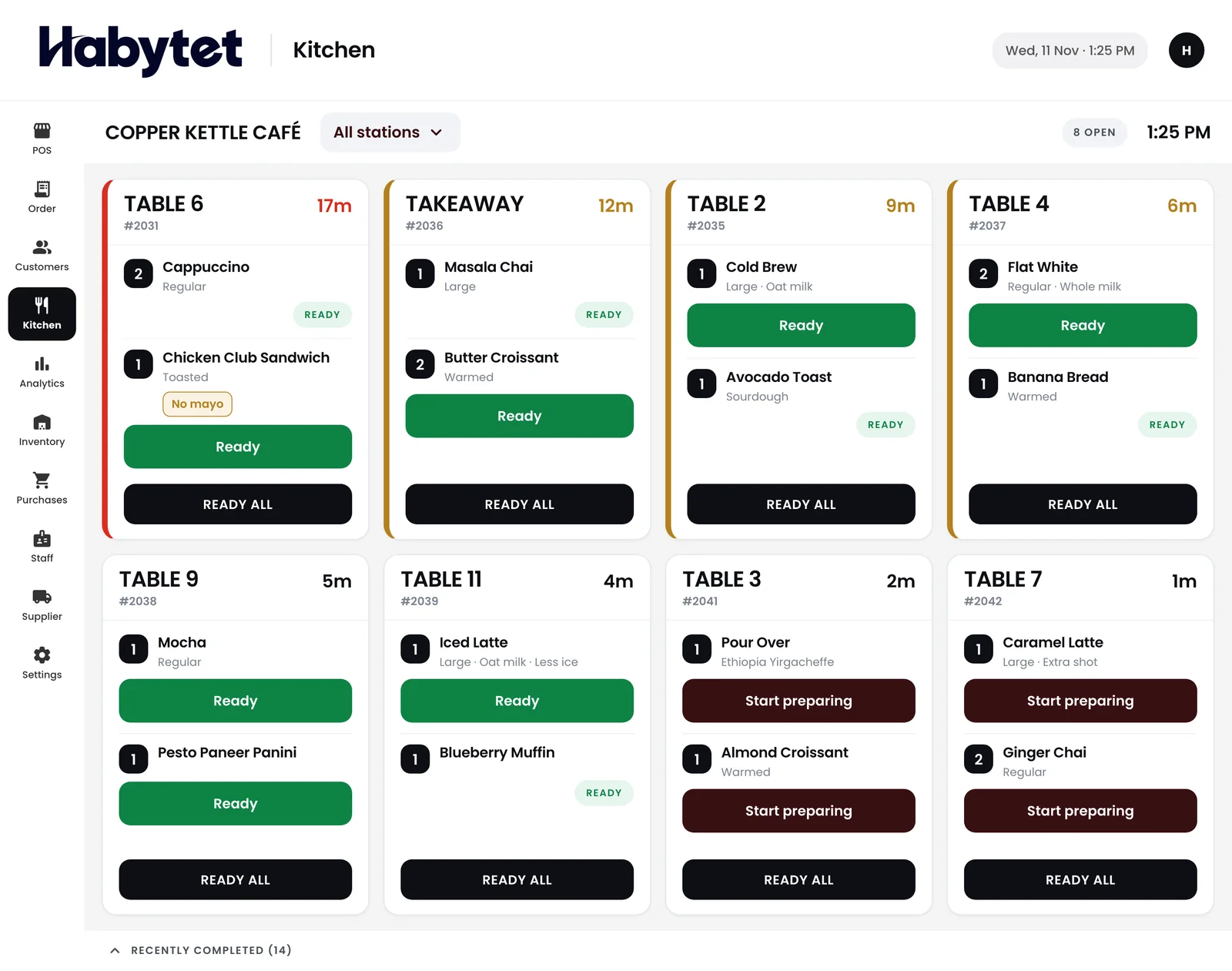
Split the kitchen by menu category, such as the coffee bar, the dosa tawa and the bakery. Each station gets a ticket for only its own items, and the kitchen screen marks every dish started and ready.
Know what is left before the supplier call
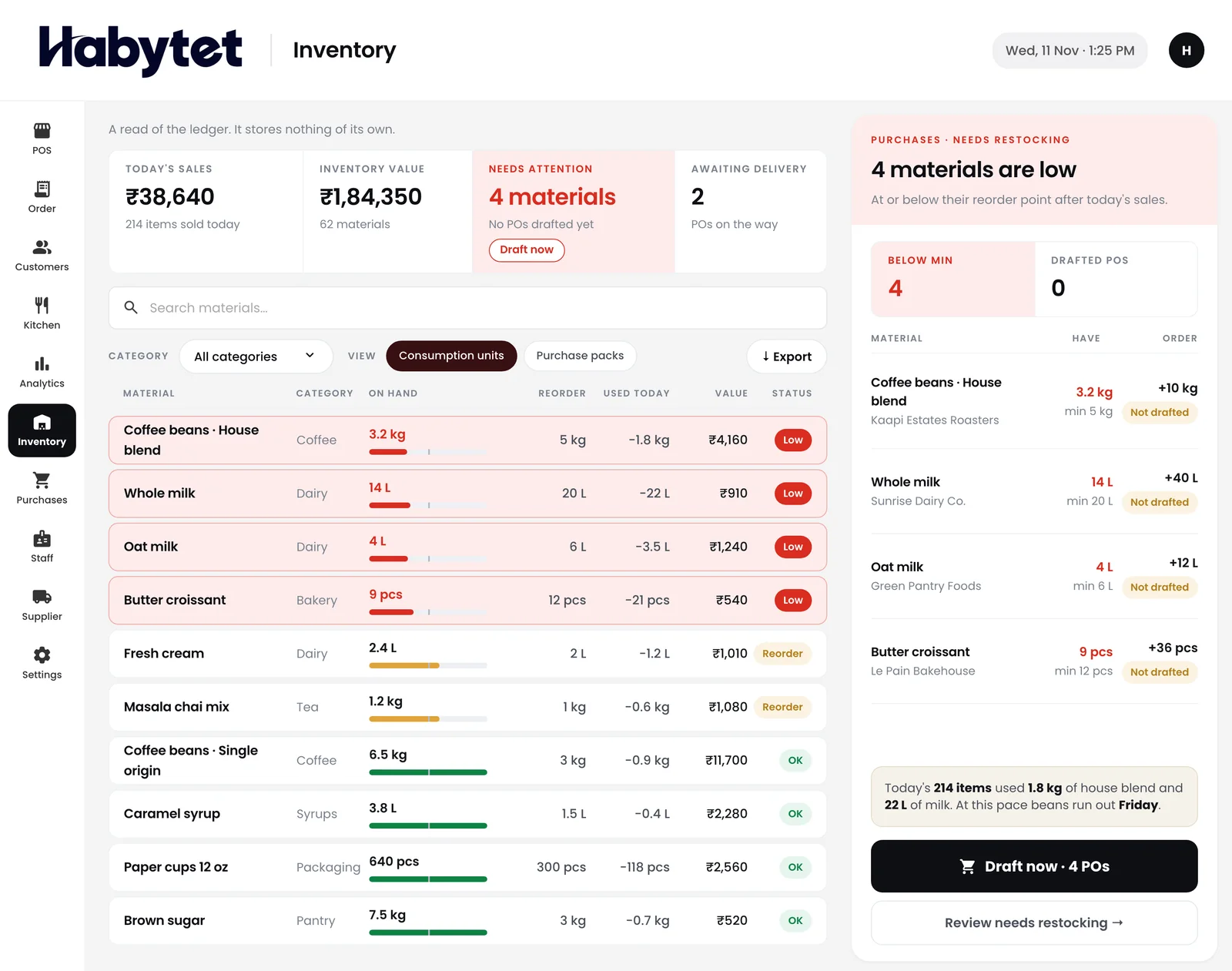
See stock on hand for every item and what is running low, and keep each supplier purchase with what you owe. It helps when milk, beans or flour must be ordered early.
Questions.
What does a Karnataka GSTIN start with?
It starts with 29, Karnataka's state code. Enter your GSTIN in Habytet POS and it adds GST to each bill and prints the GSTIN on it.
Will it show CGST and SGST on invoices?
Yes. Any order can be opened as a PDF invoice to print or share, and the invoice shows GST as CGST and SGST in equal halves.
Can I check sales when I am away from the cafe?
Yes. Sales, bills and top sellers for today or any date range show on your phone, with charts, wherever you are.
How do I ask for a demo?
Fill in the short form on this page with your business name and number. The Habytet team calls you back to set up a demo.
See it running in your own business.
Tell us about your cafe or restaurant and we will call you to set up a demo.
Thanks.
We will call you on .