
Restaurant POS in Chennai, from tiffin centres to cafes
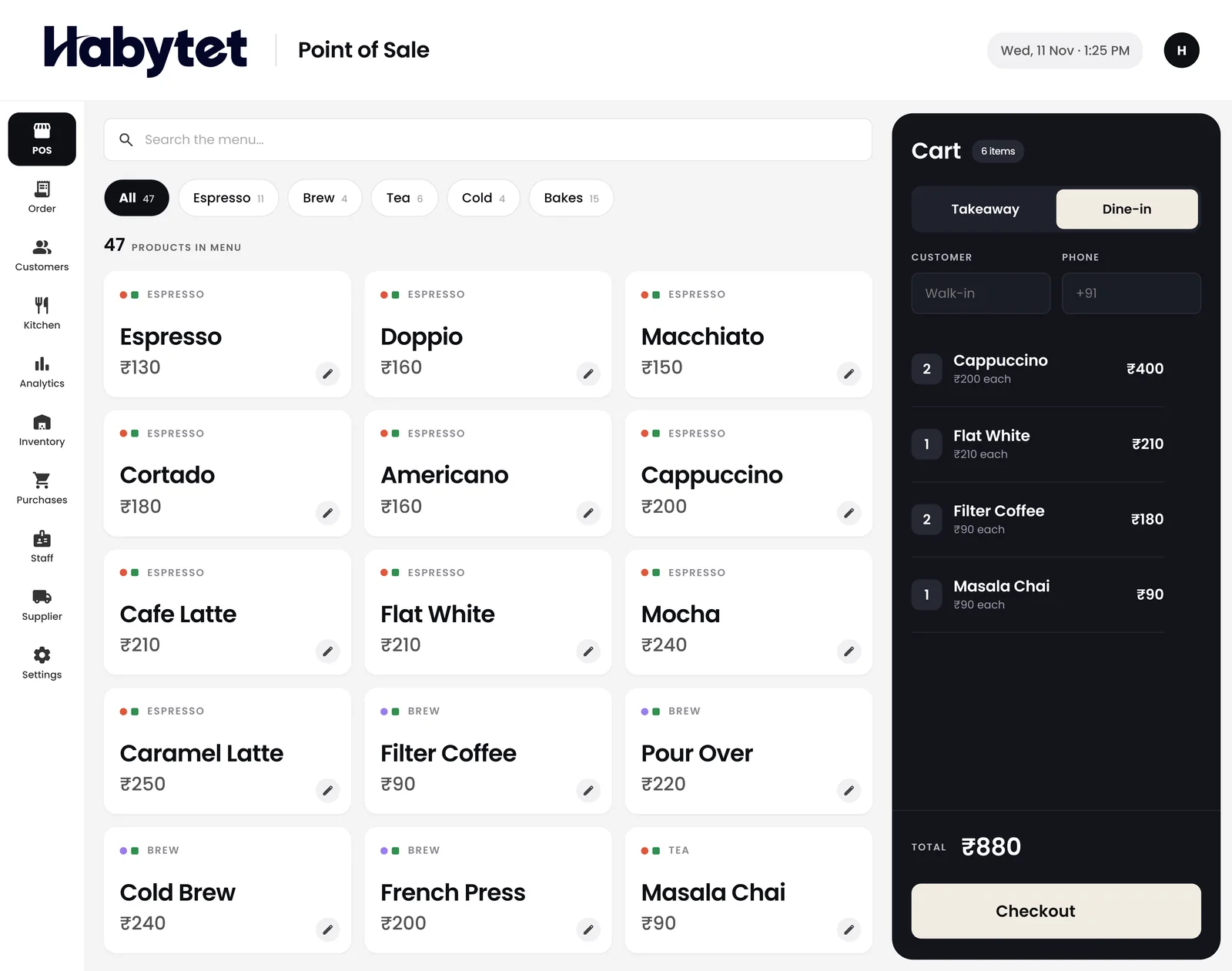
Habytet POS is restaurant and cafe billing software from Habytet. It runs on an Android tablet at the counter, adds GST to every bill, takes UPI, cash and card, and puts the kitchen, stock and your sales on one system.
What a Chennai business needs from its POS
GST bills for a Tamil Nadu restaurant
Enter your GSTIN once and Habytet POS adds GST to every bill and prints the GSTIN on it, with menu prices either including GST or adding it on top. Any order can also be opened as a PDF invoice that shows the tax as CGST and SGST, the way a sale inside Tamil Nadu is billed.
From tiffin centres to cafes
Chennai's food trade runs from early-morning tiffin centres and filter coffee counters to meals halls, biryani shops, bakeries and cafes, from Mylapore and T. Nagar to Velachery and the IT corridor on OMR. Habytet POS bills dine-in and takeaway on one counter and gives each kitchen station its own tickets, set up around the way each place already runs.
Set up and supported by one team
One team sets up Habytet POS around the way your restaurant already runs, and the same team supports it after that. To start, fill in the short form on this page and we will call you to set up a demo.
Good to know in Chennai
- Every GSTIN registered in Tamil Nadu begins with 33, the state's code in the GST system.
- A restaurant bill in Tamil Nadu carries its GST as CGST and SGST in equal halves, because the sale happens inside the state.
- Chennai's breakfast trade starts early: tiffin and filter coffee are served from the first hours of the morning, so billing has to be ready when the shutters go up.
How Habytet POS fits a Chennai restaurant
One counter for tiffin, meals and parcels
Bill dine-in and takeaway from the same counter in a few taps, and split one bill across UPI, cash and card when a table pays together. Regulars can be allowed to pay later, with their details kept on their bills.
A ticket for every station
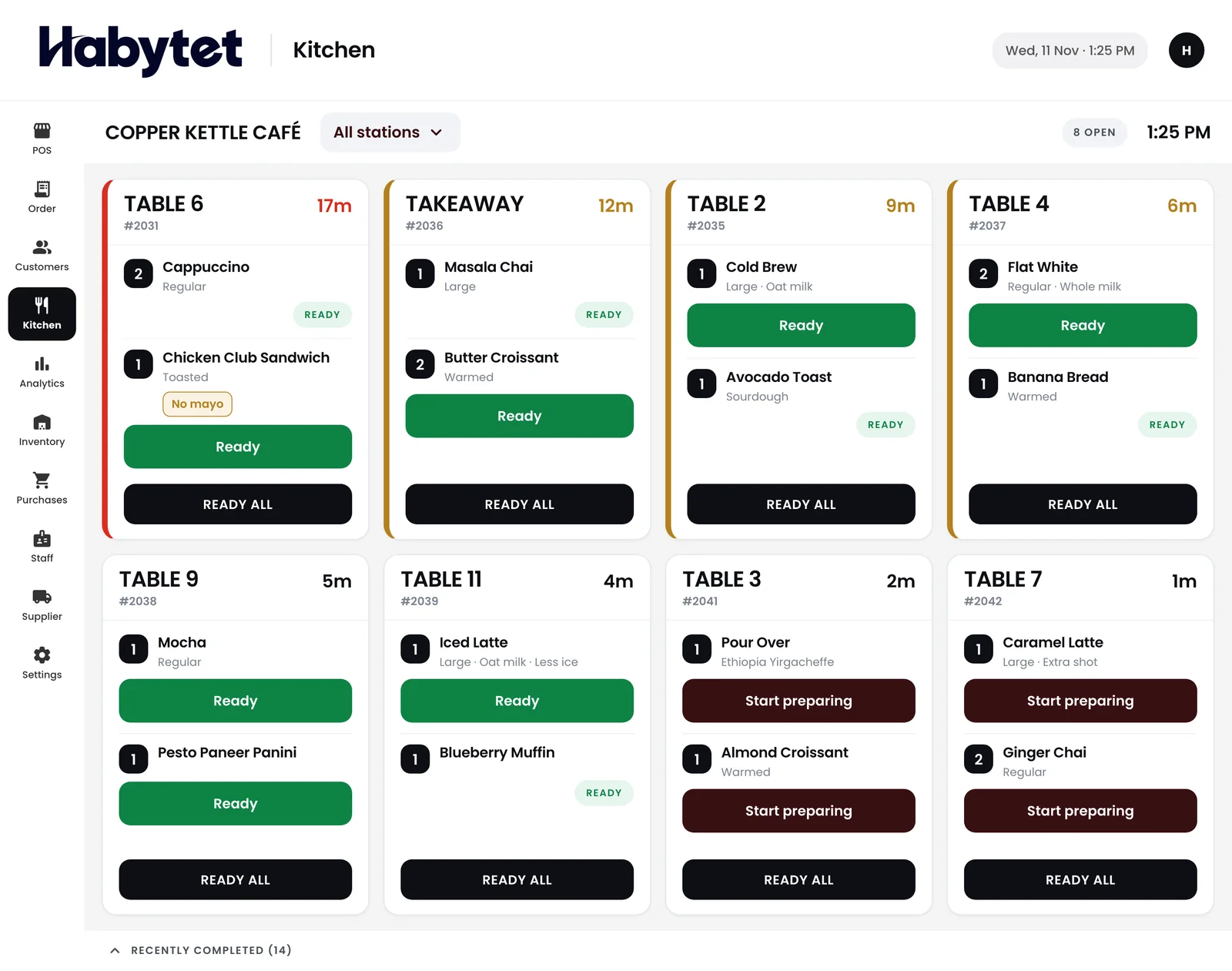
Split the kitchen into stations by menu category, such as the dosa tawa, the meals counter and beverages. Each station gets a ticket for just its own items, and the kitchen screen marks every dish started and ready.
Your sales, wherever the day takes you
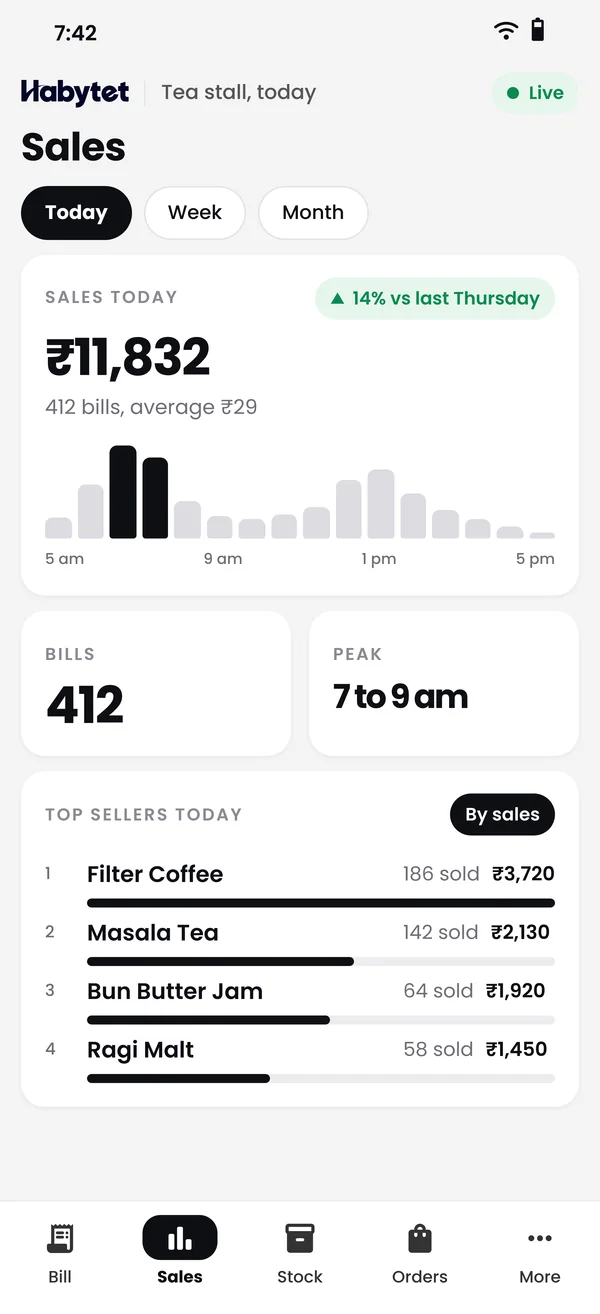
Sales, bills and top sellers for today or any date range, on your phone, whether you are at the shop or buying vegetables at Koyambedu market in the morning.
Questions.
Does Habytet POS print my GSTIN on bills?
Yes. Once you enter your GSTIN, Habytet POS adds GST to each bill and prints your GSTIN on it. Menu prices can include GST or have it added on top.
Can my customers pay by UPI?
Yes. Habytet POS takes UPI, cash, card and online payments, and one bill can be split across more than one mode.
What do I need at the counter?
An Android tablet runs Habytet POS at the counter. For printed bills and kitchen tickets you also need a thermal receipt printer on your shop's network.
How do I get a demo in Chennai?
Fill in the short form on this page with your restaurant's name and your number, and the Habytet team will call you to set up a demo.
See it running in your own business.
Tell us about your restaurant and we will call you to set up a demo.
Thanks.
We will call you on .