
POS system for Delhi restaurants, dhabas and cafes
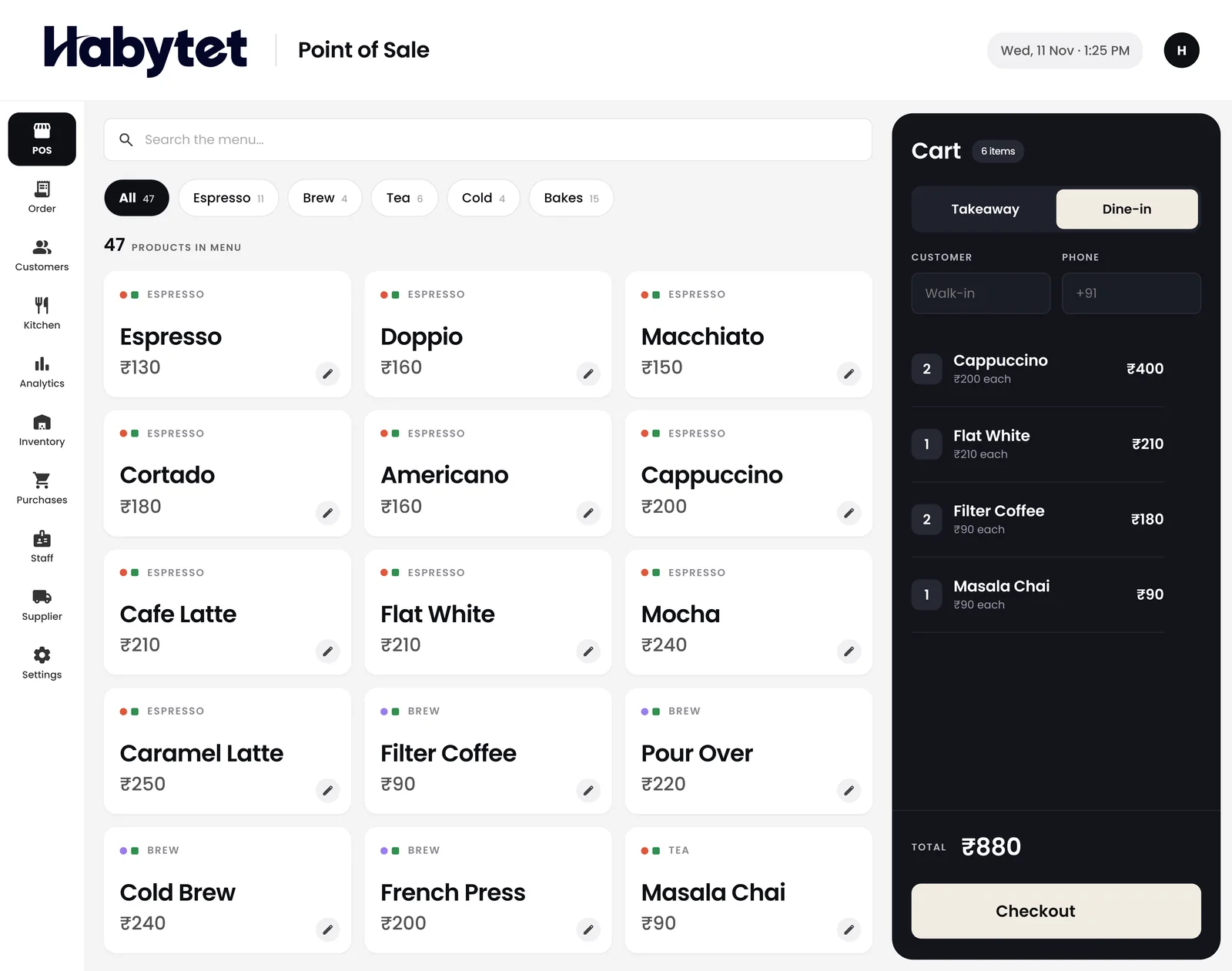
Habytet POS is a POS system for Delhi restaurants, dhabas and cafes, from Habytet. It runs on an Android tablet at the counter, adds GST to each bill, takes UPI, cash and card, and links billing to the kitchen and stock.
What a Delhi business needs from its POS
GST code 07 for Delhi bills
A GSTIN registered in Delhi starts with 07. Delhi has its own legislature, so a sale inside Delhi carries CGST and SGST. Once your GSTIN is entered, Habytet POS adds GST to each bill and prints the GSTIN on it, and the PDF invoice for an order shows CGST and SGST in equal halves.
Chaat lanes, kebab shops and cafes
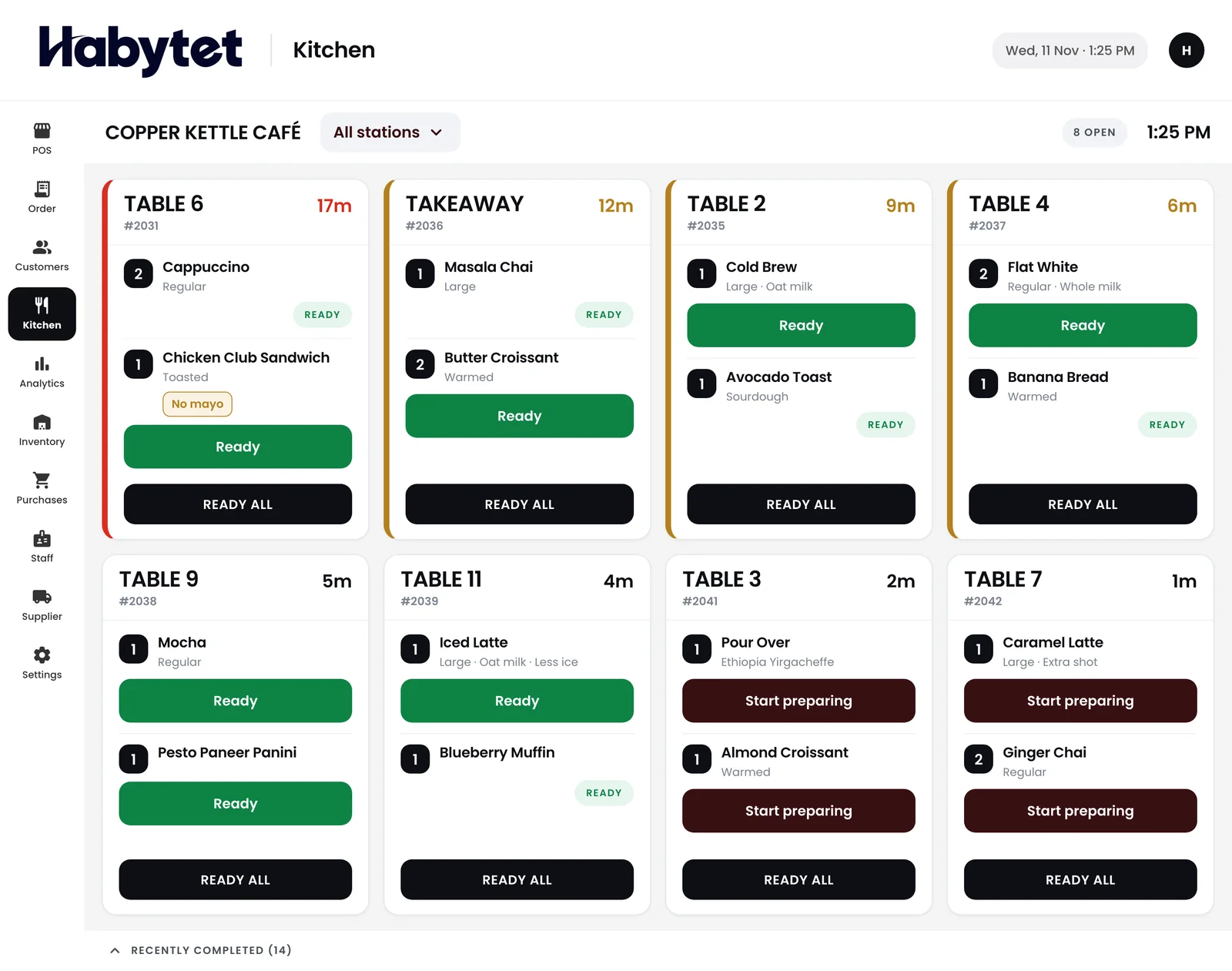
Delhi's food runs from the chaat, paratha and kebab shops of Chandni Chowk and Karol Bagh to the cafes of Connaught Place, Khan Market and Hauz Khas. Habytet POS bills dine-in and takeaway on one tablet, keeps a running bill on each occupied table, and gives every kitchen station its own ticket.
Demo and setup for Delhi
One team sets Habytet POS up around how your business already works, and supports it too. Fill in the short form on this page and Habytet calls you back to arrange a demo and talk through how setup would work.
Good to know in Delhi
- Delhi's GST state code is 07, so every GSTIN registered in Delhi begins with 07.
- Delhi has a legislative assembly, which is why a sale inside Delhi is billed as CGST plus SGST.
- Parathe Wali Gali in Chandni Chowk is a lane long known for stuffed parathas.
- Connaught Place and Khan Market are well-known central areas for restaurants and cafes.
- Hauz Khas Village is a popular area for cafes and restaurants in south Delhi.
How Habytet POS helps a Delhi restaurant
One tablet for the counter and the tables
Bill takeaway at the counter and keep a running bill on every occupied table, with new rounds added as guests order again. Payment can be split across UPI, cash and card.
Tandoor, curry and chaat get separate tickets
Divide the kitchen into stations by menu category, such as the tandoor, the curry section and the chaat counter. Each station prints a ticket for only its own dishes.
Stock and suppliers in one view
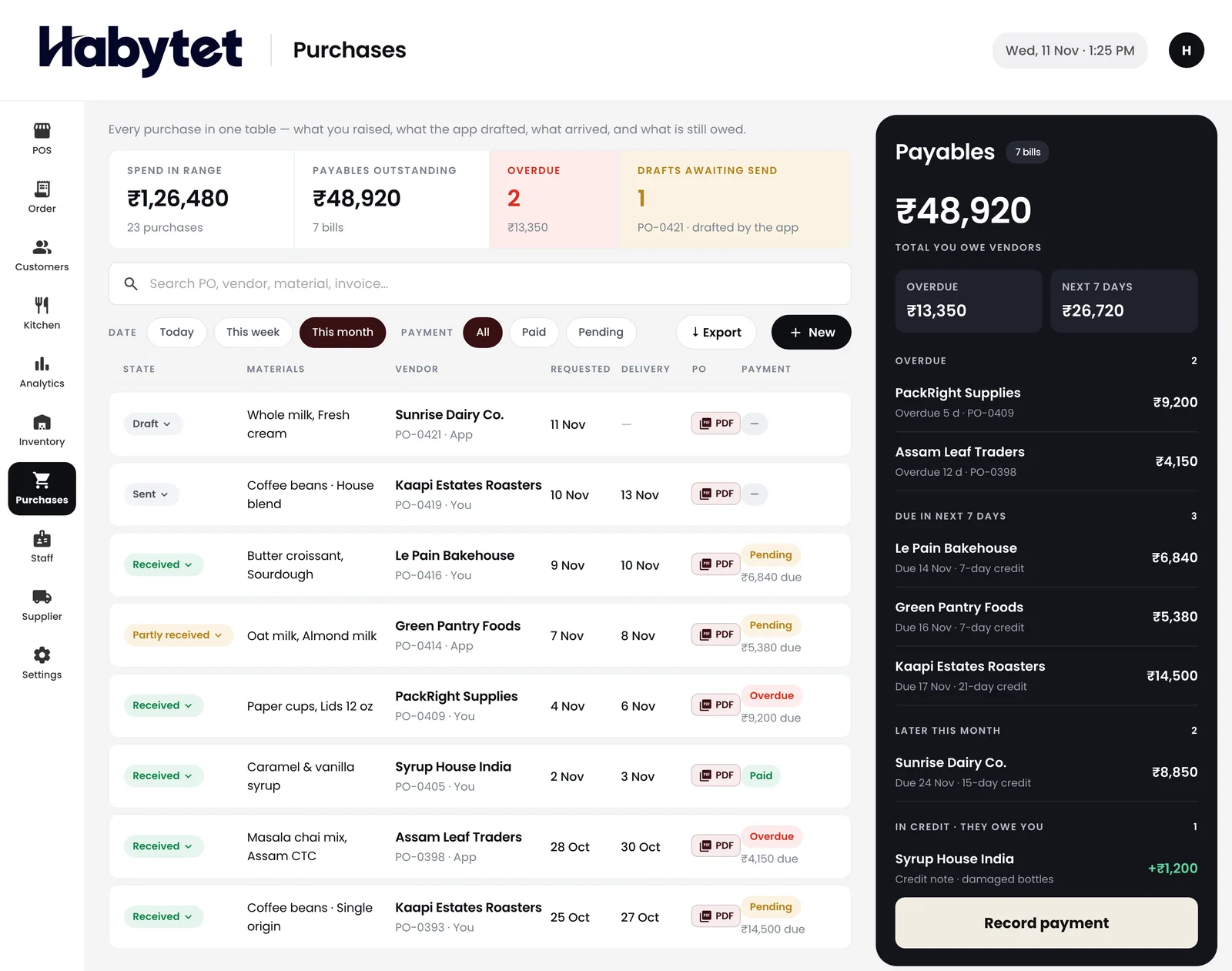
See what is on hand and what is running low, and keep supplier purchases with the amount owed, so ordering from the mandi or a wholesaler starts from a real list.
Questions.
Which GSTIN prefix does Delhi use?
Delhi uses 07, so a GSTIN registered in Delhi starts with 07. Habytet POS adds GST to each bill and prints the GSTIN on it.
Does the bill show CGST and SGST for Delhi sales?
Yes. The PDF invoice for any order shows GST as CGST and SGST in equal halves.
Can I use it for a dhaba with a few tables?
Yes. Habytet POS is for restaurants, cafes and food outlets, and it keeps a running bill on every occupied table.
See it running in your own business.
Tell us about your restaurant and we will call you to set up a demo.
Thanks.
We will call you on .